SLIDE 1
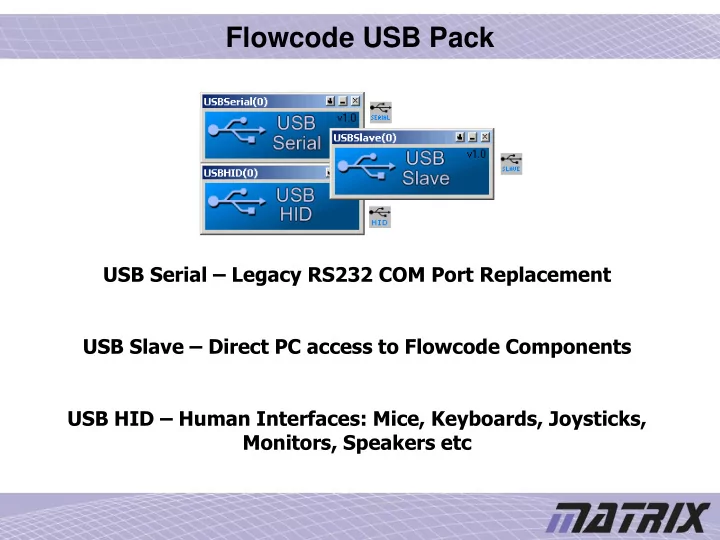
Flowcode USB Pack
USB Serial – Legacy RS232 COM Port Replacement USB Slave – Direct PC access to Flowcode Components USB HID – Human Interfaces: Mice, Keyboards, Joysticks, Monitors, Speakers etc
SLIDE 2
Supported Devices Matrix Supported Products
Formula Flowcode, ECIO28, ECIO40, MIAC
Microchip Supported Products
PICDEM FS USB, 18F2450, 18F2550, 18F4450, 18F4455, 18F4550
SLIDE 3 Included In The USB Pack
- Installation files to get the components into your Flowcode V3
- Flowcode example files for each component
- Detailed help files for each component
- Ready to run Visual Basic and Labview PC software examples
- HID descriptor generation tool
- All drivers that are required are generated directly from Flowcode
SLIDE 4
Flowcode USB Serial Component
USB Serial Component Generic USB Properties
SLIDE 5
Sending and Receiving Data
Basic Data Echoing Program
SLIDE 6 Using Hyperterminal
COM Port
Port Attributes
Appearing On Screen
SLIDE 7
Flowcode USB Slave Component
USB Slave Component Generic USB Properties Flowcode Slave Device Properties
SLIDE 8
Slave Service Macro
Slave Service Macro Details USB Slave Macro Definition
SLIDE 9
Accessing Flowcode Components From Your PC
SLIDE 10
Using Visual Basic or Labview
VB Example Slave Interface Labview Example Slave Interface
SLIDE 11
Flowcode HID Component
USB HID Component Generic USB Properties USB HID Properties HID Descriptor
SLIDE 12
Using the HID Descriptor Tool
Available Pre-made HID descriptors Entering the descriptor into the HID component
SLIDE 13
Sending HID Packets
SLIDE 14
Receiving HID Packets