Dawn Song dawnsong@cs.berkeley.edu 1 Mid-term Questionnaire - - PDF document

dawn song
SMART_READER_LITE
LIVE PREVIEW

Dawn Song dawnsong@cs.berkeley.edu 1 Mid-term Questionnaire - - PDF document

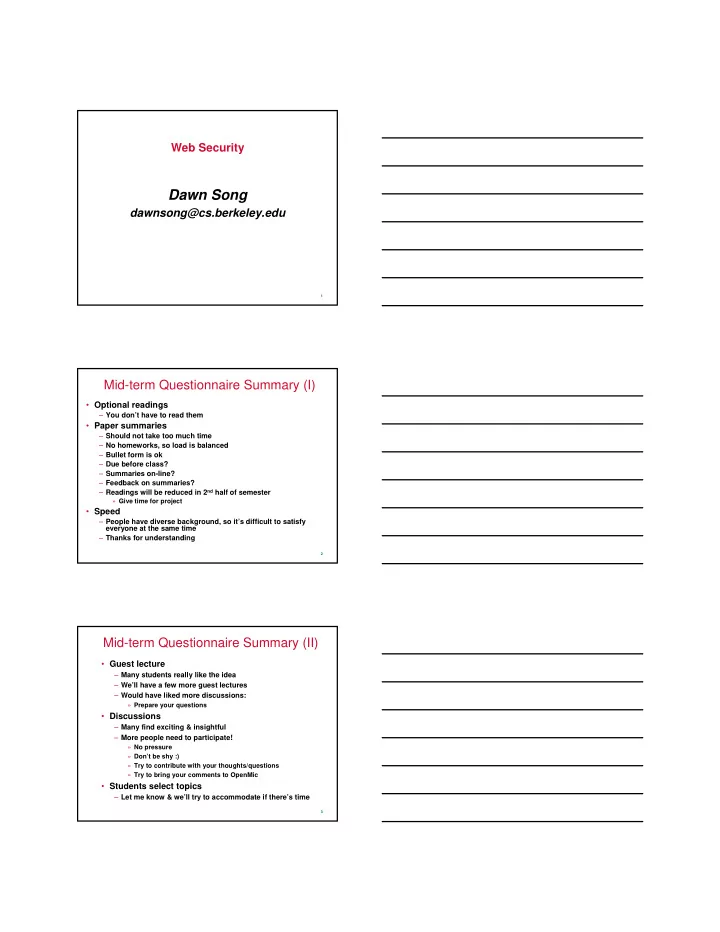
Web Security Dawn Song dawnsong@cs.berkeley.edu 1 Mid-term Questionnaire Summary (I) Optional readings You dont have to read them Paper summaries Should not take too much time No homeworks, so load is balanced Bullet


slide-1
SLIDE 1

1

Web Security

Dawn Song

dawnsong@cs.berkeley.edu

2

Mid-term Questionnaire Summary (I)

  • Optional readings

– You don’t have to read them

  • Paper summaries

– Should not take too much time – No homeworks, so load is balanced – Bullet form is ok – Due before class? – Summaries on-line? – Feedback on summaries? – Readings will be reduced in 2nd half of semester

» Give time for project

  • Speed

– People have diverse background, so it’s difficult to satisfy everyone at the same time – Thanks for understanding

3

Mid-term Questionnaire Summary (II)

  • Guest lecture

– Many students really like the idea – We’ll have a few more guest lectures – Would have liked more discussions:

» Prepare your questions

  • Discussions

– Many find exciting & insightful – More people need to participate!

» No pressure » Don’t be shy :) » Try to contribute with your thoughts/questions » Try to bring your comments to OpenMic

  • Students select topics

– Let me know & we’ll try to accommodate if there’s time

slide-2
SLIDE 2

4

Project Proposal

  • Mostly fine with topics

– Scott & Craig: come see me after class

  • Many lack timeline

– Include timeline & resubmit by Oct 22

  • Milestone: due Nov 14
  • Poster sesion: Dec 6, 2:30-4:30pm

– In conjunction with CS261

5

Browser-OS Analogy

  • OS

– Resource management – Layer of abstraction – Isolation

  • Browser-platform

– What resources does browser-platform manage?

» OS analogous?

– What abstractions does browser-platform provide?

» OS analogous?

– What properties should browser-platform ensure?

» OS analogous?

6

Straw-man Approaches

  • VMWare Web browser appliance

– A check-pointed image of Firefox browser on Linux – Disadvantages?

  • What about running each URL in a separate VM?
slide-3
SLIDE 3

7

Tahoma Architecture

  • Trust model & principles

– Web applications should not be trusted

» Web application = Browser instance + web services » Isolation: each browser instance in VM

– Web browsers should not be trusted

» Isolate browsers from rest of the system » Network policy & reverse firewall

– Increase visibility & control over downloaded web applications

» Web applications should be visible to users like desktop applications

8

Tahoma Architecture

9

Manifests

  • Tahoma web applications are first-class objects

– Explicitly defined & managed

  • Manifests

– Digital signatures authenticating web service – Browser policy: code to run in browser instance – Network policy: internet access policy to be enforced by reverse firewall

  • A paradigm for mobile code

– Signature + code + sandbox policy

slide-4
SLIDE 4

10

Browser Operation System (BOS)

  • TCB for Tahoma browsing system
  • Multiplexes virtual screens of each browser

instance into physical display

– Trusted border

  • Enforce network policies for each instance
  • Store state for associated browser instance

– Bookmarks, manifests

  • Inter-application communication

– Fork, BinStore, BinFetch

11

Tahoma Implementation

  • Xen VMM in Linux
  • BOS, BOS Kernel & tiny proxy implemented as

domain0 VM

  • Browser instance run on Xen VM
  • Window manager aggregates virtual screens on

physical screen

  • Browser modifications

– Linking to libQT to access Tahoma graphics subsystems – Using browser-call to access remote services – Using browser-call for new functions, e.g., fork

12

Discussions

  • Advantages of Tahoma

– What common attacks does Tahoma prevent?

  • Disadvantages of Tahoma?

– What kinds of attacks does Tahoma fail to prevent?

  • How does Tahoma compare with SFI/XFI?
  • Does Tahoma provide a trusted-path btw user &

web service? Why?

slide-5
SLIDE 5

13

Open Mic

  • Anything else you thought that’s really clever in

the papers?

  • Anything else you didn’t like about the papers?
  • Any other unclear points about the papers?
  • Other comments/remarks to share?

14

Summary

  • BrowserOS
  • Next class:

– Mashup OS – XSS