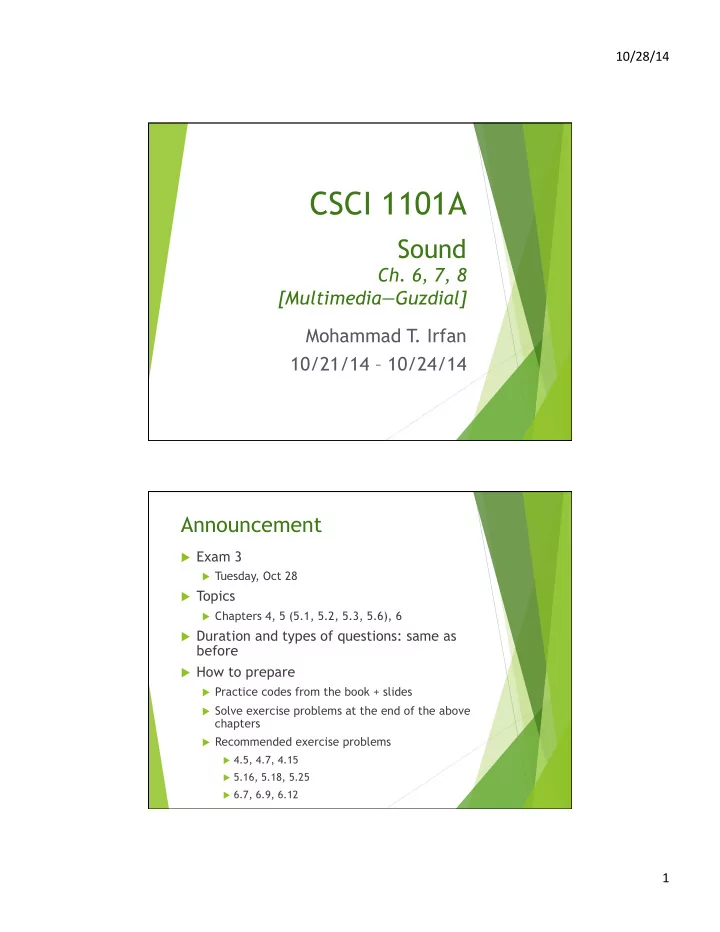
CSCI 1101A Sound Ch. 6, 7, 8 [MultimediaGuzdial] Mohammad T . - - PDF document

csci 1101a
SMART_READER_LITE
LIVE PREVIEW

CSCI 1101A Sound Ch. 6, 7, 8 [MultimediaGuzdial] Mohammad T . - - PDF document

10/28/14 CSCI 1101A Sound Ch. 6, 7, 8 [MultimediaGuzdial] Mohammad T . Irfan 10/21/14 10/24/14 Announcement u Exam 3 u Tuesday, Oct 28 u Topics u Chapters 4, 5 (5.1, 5.2, 5.3, 5.6), 6 u Duration and types of


slide-1
SLIDE 1

10/28/14 ¡ 1 ¡

CSCI 1101A

Sound

  • Ch. 6, 7, 8

[Multimedia—Guzdial] Mohammad T . Irfan 10/21/14 – 10/24/14

Announcement

u Exam 3

u Tuesday, Oct 28

u Topics

u Chapters 4, 5 (5.1, 5.2, 5.3, 5.6), 6

u Duration and types of questions: same as

before

u How to prepare

u Practice codes from the book + slides u Solve exercise problems at the end of the above

chapters

u Recommended exercise problems

u 4.5, 4.7, 4.15 u 5.16, 5.18, 5.25 u 6.7, 6.9, 6.12

slide-2
SLIDE 2

10/28/14 ¡ 2 ¡

Physics of sound à computation

Example: Ponoplayer

u http://www.digitaltrends.com/music/neil-

youngs-pono-hi-def-mp3-player/#!BBxl3

slide-3
SLIDE 3

10/28/14 ¡ 3 ¡

Basic sound functions (vs. picture functions)

u makeSound(f) u getSamples(sndObj) u getSampleObjectAt(sndObj, idx) u getLength(sObject) u getSampleValue(sample) u getSampleValueAt(sndObj, idx) u setSampleValue(sample, val) u setSampleValueAt(sndObj, idx,

val)

u makePicture(f) u getPixels(picObject) u getPixel(picObject, x, y) u getWidth(picObject), getHeight(…) u getColor(px) u (no direct function) u setColor(px, color) u (no direct function)

Problem: Increase volume

u volume => amplitude => sample values u Make the volume 5 times the original volume

=>

u Make each sample value 5 times the original

slide-4
SLIDE 4

10/28/14 ¡ 4 ¡

Code

Problem: Make the first quarter louder, the rest quieter

u Different operations on different parts of

sound

u Can we use indexing to access specific

samples?

slide-5
SLIDE 5

10/28/14 ¡ 5 ¡

Code Review

u Each rectangle is a sample and has a sample

value between -32767 and +32768

slide-6
SLIDE 6

10/28/14 ¡ 6 ¡

Review

u getSamples(soundObject) u getLength(soundObject) u getSampleValue(sample) vs.

getSampleValueAt(soundObject, index)

u setSampleValue(sample, val) vs.

setSampleValueAt(soundObject, index, val)

Problem: Normalize sound

u Want max sample value to be (+/-)32767

u Other sample values to be changed accordingly

u Algorithm

u Step 1: Find max abs(sample value) u Step 2: Multiply each sample value by 32767.0/

max

slide-7
SLIDE 7

10/28/14 ¡ 7 ¡

Code: Step 1 Code: Step 2

slide-8
SLIDE 8

10/28/14 ¡ 8 ¡

Useful function: clip

u Make a new sound object with only part of a

give sound object

Code

slide-9
SLIDE 9

10/28/14 ¡ 9 ¡

Useful function: copy

u Copy source sound to target sound beginning

at a desired target index

u Target sound object must be big enough to

hold the source

Code

slide-10
SLIDE 10

10/28/14 ¡ 10 ¡

Problem: Insert another sound into a given sound object (splicing)

u Have (preamble10.wav): “We the people of

the United States”

u Want: “We the united people of the United

States”

u Algorithm

u Clip “united” and save it as a new sound object u Make a big enough target sound object u Copy “We the” to target u Copy “united” to target u Copy “people of the United States” to target

preamble10.wav

preamble10.wav

slide-11
SLIDE 11

10/28/14 ¡ 11 ¡

Code

  • Misc. Topics (Ch 8)

u Blending sounds (Section 8.2) u Playing MIDI (Section 8.6)

u playNote(noteFrequency, duration [, intensity])