Creating interesting effective presentations Presentation outline - - PowerPoint PPT Presentation

creating interesting effective presentations presentation
SMART_READER_LITE
LIVE PREVIEW

Creating interesting effective presentations Presentation outline - - PowerPoint PPT Presentation

Creating interesting effective presentations Presentation outline Composition Tips Features References KISS Keep it simple http:/ /www.fineartprintsondemand.com/artists/klimt/kiss-400.jpg Do not use different fonts on the same slide.


slide-1
SLIDE 1

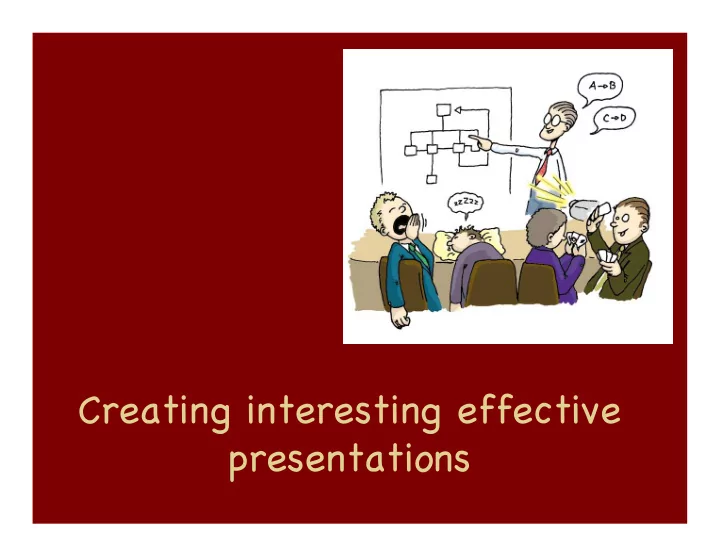
Creating interesting effective presentations

slide-2
SLIDE 2

Presentation outline

Composition Tips Features References

slide-3
SLIDE 3

KISS

Keep it simple…

http:/ /www.fineartprintsondemand.com/artists/klimt/kiss-400.jpg

slide-4
SLIDE 4

Do not use different fonts on the same slide.. Pick a simple font that is easy to read.

Some suggestions:

Arial Chalkboard Helvetica Optima

slide-5
SLIDE 5

Be c Be concise ncise.

The subject of your text and images should agree. Do not write your narrative on the slide.

slide-6
SLIDE 6

Rule of thirds

http:/ /digital-photography-school.com/blog/rule-of-thirds/

slide-7
SLIDE 7
  • 1. Start with the end in mind

What is the purpose of your talk? What does the audience expect?

http:/ /www.garrreynolds.com/Presentation/prep.html

slide-8
SLIDE 8
  • 2. Know your audience

http:/ /www.garrreynolds.com/Presentation/prep.html

slide-9
SLIDE 9
  • 3. Content, content, content

Resist the urge to write everything on the slide One idea per slide Choose your thoughts

http:/ /www.garrreynolds.com/Presentation/prep.html

slide-10
SLIDE 10
  • 5. Outline your content

Jot down your ideas Organize your note cards Identify three concepts your want your audience to remember

http:/ /www.garrreynolds.com/Presentation/prep.html

slide-11
SLIDE 11
  • 6. Have a sound, clear structure

Visualize the flow of your presentation

http:/ /www.garrreynolds.com/Presentation/prep.html

slide-12
SLIDE 12

http:/ /www.garrreynolds.com/Presentation/prep.html

7 . Practice

slide-13
SLIDE 13

Power Point features

slide-14
SLIDE 14

References

Add the references at the bottom of the page