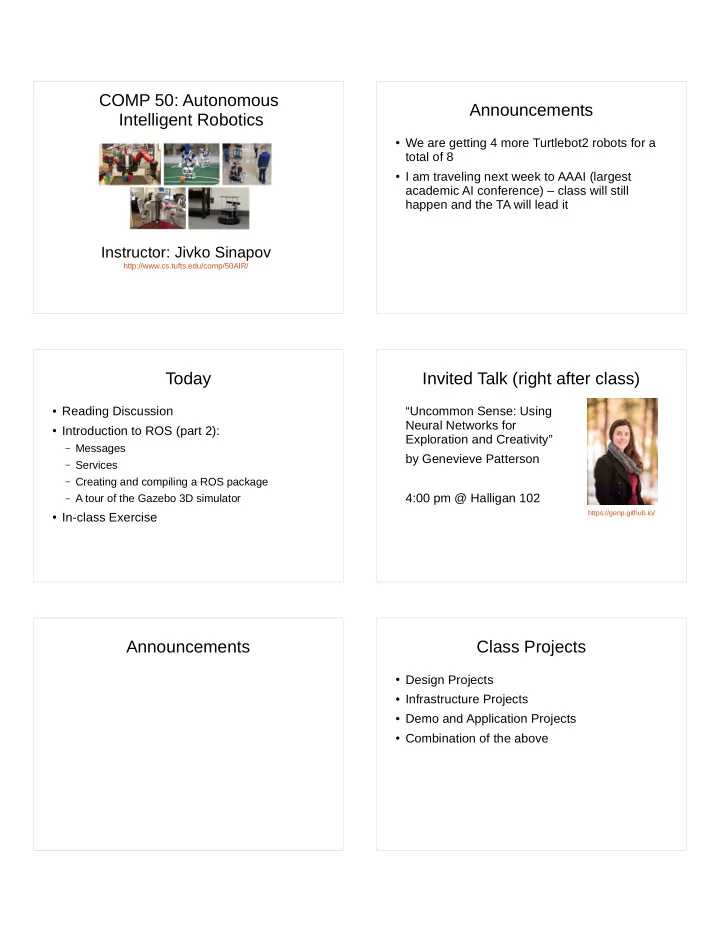
COMP 50: Autonomous Announcements Intelligent Robotics We are - - PDF document

comp 50 autonomous announcements intelligent robotics
SMART_READER_LITE
LIVE PREVIEW

COMP 50: Autonomous Announcements Intelligent Robotics We are - - PDF document

COMP 50: Autonomous Announcements Intelligent Robotics We are getting 4 more Turtlebot2 robots for a total of 8 I am traveling next week to AAAI (largest academic AI conference) class will still happen and the TA will lead it


slide-1
SLIDE 1

COMP 50: Autonomous Intelligent Robotics

Instructor: Jivko Sinapov

http://www.cs.tufts.edu/comp/50AIR/

Today

  • Reading Discussion
  • Introduction to ROS (part 2):

– Messages – Services – Creating and compiling a ROS package – A tour of the Gazebo 3D simulator

  • In-class Exercise

Announcements Announcements

  • We are getting 4 more Turtlebot2 robots for a

total of 8

  • I am traveling next week to AAAI (largest

academic AI conference) – class will still happen and the TA will lead it

Invited Talk (right after class)

“Uncommon Sense: Using Neural Networks for Exploration and Creativity” by Genevieve Patterson 4:00 pm @ Halligan 102

https://genp.github.io/

Class Projects

  • Design Projects
  • Infrastructure Projects
  • Demo and Application Projects
  • Combination of the above
slide-2
SLIDE 2

Design Projects Design Projects (2)

  • Design a mobile manipulator using mobile

bases, robot arms, and sensors that are currently on the market

Design in Simulation Demo Projects

  • Message and object delivery
  • “cocktail” robot (e.g., for a conference setting)
  • Robot that looks for trash on the floor
  • Robot that plays a game...
  • ….

Infrastructure Projects

  • Semantic mapping – add a layer of semantics to

the metric map that the robot currently has

  • Symbolic planning – add symbolic actions and

STRIPS-like planning

  • Enable 3D mapping – there are many packages

and libraries that exist but are largely experimental

  • Enhance visual perception – train classifiers to

recognize specific objects of interest

“What can the robot do?”

slide-3
SLIDE 3

How to form teams

  • Most important: talk to your class mates
  • Look for people with complementary skill sets
  • Ideally, form a 3 person team

Reading Discussion Reading Questions

  • What is an “application-neutral architecture”?
  • Reading Discussion

“… there is also the phrase, “edges in the topological map are parametrized by the action required to move along them.” Here, I didn’t quite understand whether these actions are programmed by people or learned by the robot

  • ver time. ”

– Ipek

slide-4
SLIDE 4

Reading Discussion

“I noticed in figure 6 that one of the problems that the robot would constantly run into was getting stuck on carpets. As bipeds, this is rarely a problem for humans. […] the percentage of the time that the robot was able to successfully get itself out of the situation was a lot lower than the percentage of the time that robot successfully got unstuck for the care home. I am curious why that was.”

– Elliot

Reading Discussion

“After reading the paper, one thing I’m curious about that the paper did not address is whether people actually liked having the robot

  • around. Did the security team at the office find

the robot useful or were the employees there bothered by it? Were the patients and nurses at the elder-care facility happy with the robot and find it useful?”

– Matthew

Reading Discussion

“While reading the paper, I found myself questioning the benefit of using the robot itself to monitor the environment and learn, versus the use of CCTV or other static methods to generate the topology of the environment on behalf of the robot and only use the sensors to update when necessary.”

– Martin

Reading Discussion

“One criticism I have for the STRANDS robots is the apparent ease with which they can be turned off. In the errors section, it was mentioned that one failure was due to a decorator turning off the robot. While not a lot of other information about this situation is provided, it makes it seem like the robot can be easily turned off.”

– Amel

Reading Discussion

“they mentioned that they used a “widely adopted ROS package to provide state-of-the-art performance”. I guess I’m skeptical that today’s state-of-the-art navigation packages will get your robot lost 1,700 times in 104 days, and it will only be able to recover itself from that 707 times. I also would have liked to see a break down of how often the robot was able to rescue itself by rebooting its systems, and how often it got random people to help.”

– Anne

Reading Discussion

slide-5
SLIDE 5

Some comments on your responses….

  • Overall, they were at the level of depth I

expected or more :)

  • Please proof read for spelling and grammar
  • If your post was substantially shorter than the

typical post, make sure to take that into account for next time

Some videos for this week’s paper

  • Learning to Interpret Natural Language Commands

through Human-Robot Dialog

– https://youtu.be/LyRoSuJF5kc

  • Learning Multi-Modal Grounded Linguistic

Semantics by Playing I Spy

– https://youtu.be/jLHzRXPCi_w

  • Mobile Robot Planning using Action Language BC

with an Abstraction Hierarchy

– https://youtu.be/-QpFj7BbiRU

Introduction to ROS (III) Getting Started with ROS

  • Get Ubuntu 14.04 LTS

– Dual boot – Virtual machine – ROS Development Studio (on the cloud)

  • Check your architecture (32 bit or 64 bit) and

download the appropriate .iso file

  • Beginner’s guide to Ubuntu Linux:

– http://www.makeuseof.com/tag/ubuntu-an-absolute-

beginners-guide/

Installing ROS

  • There is no need to install anything if you’re

using the cloud-based RDS

  • Install ROS indigo:

– http://wiki.ros.org/indigo/Installation/Ubuntu

What is ROS?

slide-6
SLIDE 6

What is ROS?

“ROS (Robot Operating System) provides libraries and tools to help software developers create robot applications. It provides hardware abstraction, device drivers, libraries, visualizers, message-passing, package management, and more. ROS is licensed under an open source, BSD license.”

First Steps in ROS

  • Tutorials:

– http://wiki.ros.org/ROS/Tutorials

  • Turtlesim:

– http://wiki.ros.org/turtlesim

[https://www.youtube.com/watch?v=E9TJ0c8ufzM]

Overview of ROS Tutorials ROS Nodes, Topics, and Services

  • Publishing to a topic from the command line
  • Calling a service from the command line
  • Messages and services documentation
  • Overview of 3D simulator

In-class Exercise

  • Team up in groups of 2 to 3
  • GOAL: write a C++ node that publishes a

velocity command to the turtle in turtlesim

  • Steps: 1) create a ROS package; 2) write code

for a node that will publish the command – look at the Publisher example in the tutorials

  • Alternative exercise: publish velocity

commands to the turtlebot in simulation

slide-7
SLIDE 7

THE END