Be organised Lecture 9 Programming Methodology and Style Think - - PDF document

be organised
SMART_READER_LITE
LIVE PREVIEW

Be organised Lecture 9 Programming Methodology and Style Think - - PDF document

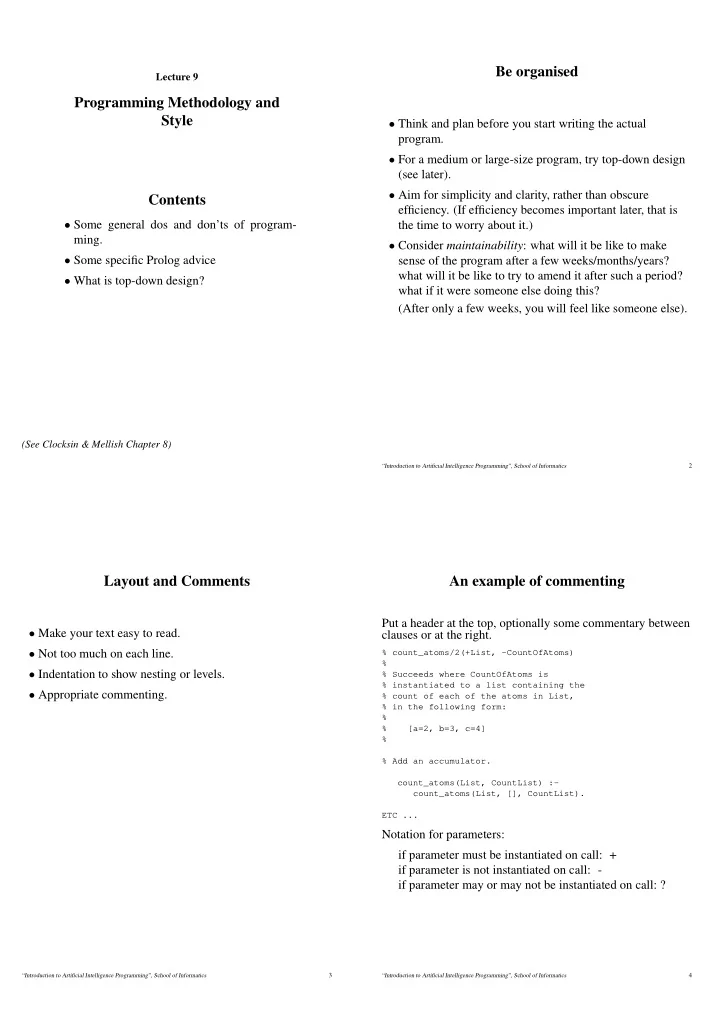
Be organised Lecture 9 Programming Methodology and Style Think and plan before you start writing the actual program. For a medium or large-size program, try top-down design (see later). Aim for simplicity and clarity, rather than


slide-1
SLIDE 1

Lecture 9

Programming Methodology and Style Contents

  • Some general dos and don’ts of program-

ming.

  • Some specific Prolog advice
  • What is top-down design?

(See Clocksin & Mellish Chapter 8)

Be organised

  • Think and plan before you start writing the actual

program.

  • For a medium or large-size program, try top-down design

(see later).

  • Aim for simplicity and clarity, rather than obscure
  • efficiency. (If efficiency becomes important later, that is

the time to worry about it.)

  • Consider maintainability: what will it be like to make

sense of the program after a few weeks/months/years? what will it be like to try to amend it after such a period? what if it were someone else doing this? (After only a few weeks, you will feel like someone else).

“Introduction to Artificial Intelligence Programming”, School of Informatics 2

Layout and Comments

  • Make your text easy to read.
  • Not too much on each line.
  • Indentation to show nesting or levels.
  • Appropriate commenting.

“Introduction to Artificial Intelligence Programming”, School of Informatics 3

An example of commenting

Put a header at the top, optionally some commentary between clauses or at the right.

% count_atoms/2(+List, -CountOfAtoms) % % Succeeds where CountOfAtoms is % instantiated to a list containing the % count of each of the atoms in List, % in the following form: % % [a=2, b=3, c=4] % % Add an accumulator. count_atoms(List, CountList) :- count_atoms(List, [], CountList). ETC ...

Notation for parameters: if parameter must be instantiated on call: + if parameter is not instantiated on call: - if parameter may or may not be instantiated on call: ?

“Introduction to Artificial Intelligence Programming”, School of Informatics 4

slide-2
SLIDE 2

Vigilance and pessimism

  • Watch for special cases (lists being empty, variables being

uninstantiated, etc.)

  • Assume any input from users could be malformed.
  • For each predicate, consider what would happen if it were

given the wrong sort of data, or if some intermediate computation had an unexpected result.

  • (Prolog) Think what would happen on a REDO

(backtracking), and place cuts accordingly.

“Introduction to Artificial Intelligence Programming”, School of Informatics 5

Locality and modularity

  • Predicate definitions should be short.
  • Predicate definitions should be simple.
  • The exact behaviour of each predicate should be thought

about and documented (see commenting).

  • It should be possible to replace any predicate definition

with another definition that has the same behaviour (but different internally) without affecting the rest of the program.

“Introduction to Artificial Intelligence Programming”, School of Informatics 6

Prolog: avoiding confusion

  • Having different predicates with the same name but

different arity can be confusing. Either avoid this, or do it

  • nly when the two predicates are closely related and not

easily confused. (More generally, choose variable and predicate names to be helpful.)

  • Don’t have too many arguments for a predicate. If a

predicate definition has grown to have (for example) 12 arguments, consider whether some of the arguments can be clustered into data structures and so passed as a single item.

  • If a variable is “singleton” (i.e. mentioned only once in the

clause), then either use the underscore, or give it a name starting with an underscore; the latter means it can still have a mnemonic name to help you. Then you know that warnings from the system about singleton variables will always mean something is wrong.

“Introduction to Artificial Intelligence Programming”, School of Informatics 7

Prolog: choices as clauses

Where your program has to make a choice, define a predicate to make this choice, so that separate options correspond to clauses of that predicate. That is, when in the middle of writing a predicate definition you find that there is more than

  • ne course of action – invent another predicate to be invoked

at this point. (Sometimes the semi-colon disjunction operator can be useful, but such cases are the exception.)

“Introduction to Artificial Intelligence Programming”, School of Informatics 8

slide-3
SLIDE 3

Prolog: unify in the head

If a predicate is to stipulate that two values are to be unified, then, if these are arguments, do the unification “in the head of the clause”, not by using “=” in the body. E.g. ismember(Item, [Item|_]). not: ismember(Item, [X|_]):- X = Item. (There may be cases where the unification needs to be postponed, but don’t use the “=” option unnecessarily.)

“Introduction to Artificial Intelligence Programming”, School of Informatics 9

Top-down design

A simple but very useful way to organise the planning of a program.

  • Start from the main task.
  • Split it into a small number of slightly simpler tasks.
  • For each of these tasks in turn, do the same splitting up.
  • Eventually decompose the whole task into a hierarchy of

tasks and subtasks, with those “at the bottom” being extremely simple (and so easily implementable).

Original Problem Task 1 Task 2 Task 3 Task 1.1 Task 1.2 Task 2.1 Task 2.2 Task 3.1 Task 3.2 Task 3.3

“Introduction to Artificial Intelligence Programming”, School of Informatics 10

Deciding parameters

  • Omit parameters from early sketches.
  • Once you have units which correspond to predicates, work
  • ut what the parameters are.
  • Decide what information needs to flow between parts of

the program.

  • Think of the information flow as “input” or “initial”

parameters (instantiated when the CALL happens) and “output” or “result” parameters (unininstantiated on CALL, to be instantiated when the EXIT happens).

“Introduction to Artificial Intelligence Programming”, School of Informatics 11

Summary

  • Organise
  • Layout and comments
  • Assume the worst
  • Keep it local
  • Avoid confusing names and parameters
  • Choices are clauses
  • Put unifications in the head
  • Top-down design makes life easier

“Introduction to Artificial Intelligence Programming”, School of Informatics 12