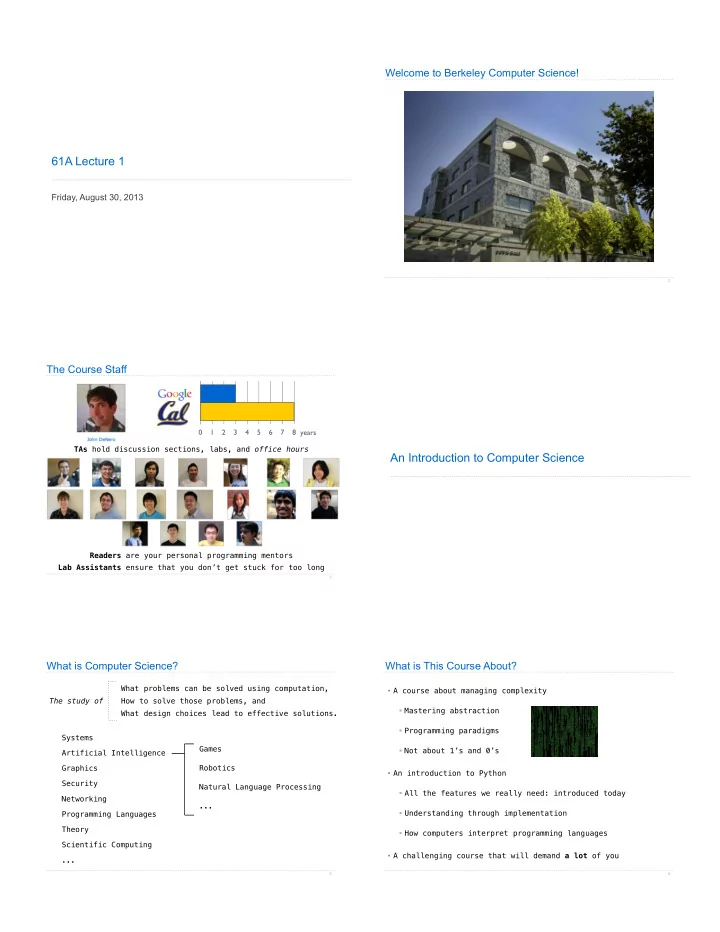
61A Lecture 1 Friday, August 30, 2013 2 The Course Staff 0 1 2 - - PDF document

61a lecture 1
SMART_READER_LITE
LIVE PREVIEW

61A Lecture 1 Friday, August 30, 2013 2 The Course Staff 0 1 2 - - PDF document

Welcome to Berkeley Computer Science! 61A Lecture 1 Friday, August 30, 2013 2 The Course Staff 0 1 2 3 4 5 6 7 8 years TAs hold discussion sections, labs, and office hours An Introduction to Computer Science Readers are your personal


slide-1
SLIDE 1

61A Lecture 1

Friday, August 30, 2013

Welcome to Berkeley Computer Science!

2

The Course Staff

3

1 2 3 4 5 6 7 8 years TAs hold discussion sections, labs, and office hours Readers are your personal programming mentors Lab Assistants ensure that you don’t get stuck for too long

An Introduction to Computer Science

What is Computer Science?

Systems Artificial Intelligence Graphics Security Networking Programming Languages Theory Scientific Computing ...

5

Games Robotics Natural Language Processing ... What problems can be solved using computation, How to solve those problems, and What design choices lead to effective solutions. The study of

What is This Course About?

  • A course about managing complexity
  • Mastering abstraction
  • Programming paradigms
  • Not about 1’s and 0’s
  • An introduction to Python
  • All the features we really need: introduced today
  • Understanding through implementation
  • How computers interpret programming languages
  • A challenging course that will demand a lot of you

6

slide-2
SLIDE 2

What is This Course About?

7 Plone Conference. Photo courtesy of Kriszta Szita

Course Logistics and Policies

Alternatives to This Course

9

CS 10: The Beauty and Joy of Computing CS 61AS: Self-paced 61A

Course Policies

The staff is here to make you successful

10

The purpose of this course is to help you learn All the details are online: http://inst.eecs.berkeley.edu/~cs61A/fa13/about.html

Collaboration

  • Discuss everything with each other
  • EPA: Effort, participation, and altruism
  • Homework can be completed with a partner
  • Projects should be completed with a partner
  • Find a project partner in your section (if you can)

11

  • One simple rule: Don’t share your code, except with partners
  • Copying project solutions is a serious offense!
  • We really do catch people who violate the rules
  • We also know how to search the web for solutions
  • We let computers detect copying for us

The limits of collaboration

Expressions

slide-3
SLIDE 3

18 + 69 6 23 √ 3493161 sin π f(x)

100

X

i=1

i | − 1869| ✓69 18 ◆ Types of expressions

13

An expression describes a computation and evaluates to a value

Call Expressions in Python

All expressions can use function call notation (Demo)

14

Anatomy of a Call Expression

15

Evaluation procedure for call expressions: add ( 2 , 3 ) Operator Operand 0 Operand 1 Operators and operands are expressions

  • 1. Evaluate the operator and operand subexpressions
  • 2. Apply the function that is the value of the operator

subexpression to the arguments that are the values of the operand subexpression So they evaluate to values 208 mul(add(2, mul(4, 6)), add(3, 5)) add(2, mul(4, 6))

Evaluating Nested Expressions

16

26 mul add 2 mul(4, 6) mul 4 6 24 add(3, 5) add 3 5 8 208 mul(add(2, mul(4, 6)), add(3, 5)) add(2, mul(4, 6)) 26 mul add 2 mul(4, 6) mul 4 6 24 add(3, 5) add 3 5 8

Evaluating Nested Expressions

17

Expression tree Operand 0 “subexpression”

Data, Functions, and Interpreters

Data: The things that programs fiddle with

18

2 “The Art of Computer Programming” Donald Knuth Shakespeare’s 37 plays Functions: Rules for manipulating data Add up numbers Pronounce someone’s name Count the words in a line of text (Ka-NOOTH) Interpreter: An implementation of the procedure for evaluation