6/1/20 Com Community settings Supporting Participation and - - PDF document

6 1 20
SMART_READER_LITE
LIVE PREVIEW

6/1/20 Com Community settings Supporting Participation and - - PDF document

6/1/20 Com Community settings Supporting Participation and Communication with Video Visual Scene Displays Participation supports Salena Babb, David McNaughton, Sojung Jung, Communication supports Ciara Ousley, & Janice Light


slide-1
SLIDE 1

6/1/20 1

Supporting Participation and Communication with Video Visual Scene Displays

Salena Babb, David McNaughton, Sojung Jung, Ciara Ousley, & Janice Light Pennsylvania State University

Com Community settings

  • Participation supports
  • Communication supports

Participation supports

  • Video models
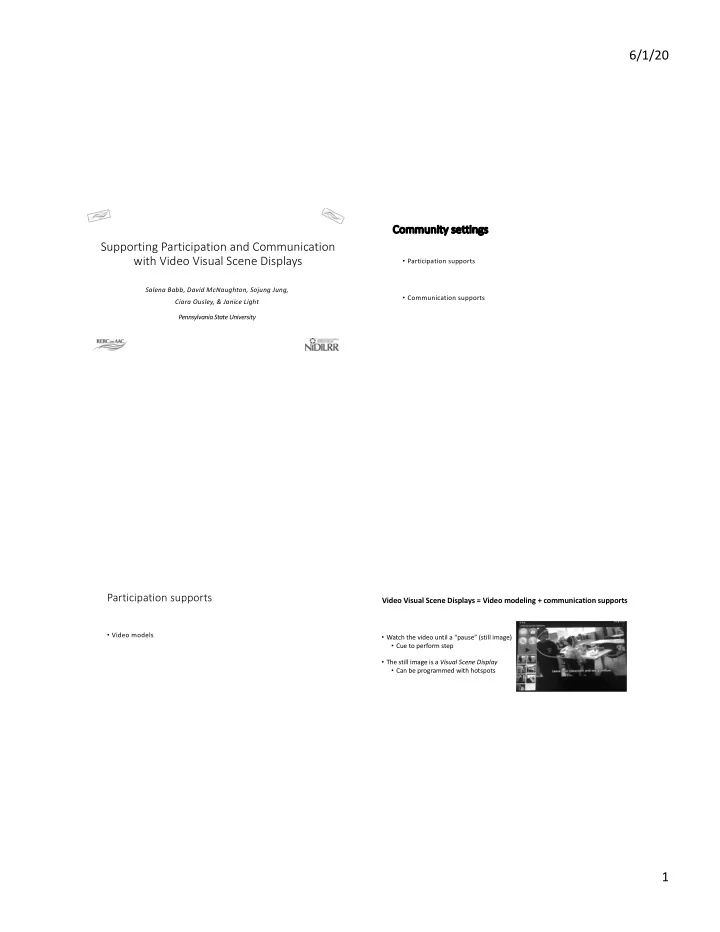
  • Watch the video until a “pause” (still image)
  • Cue to perform step
  • The still image is a Visual Scene Display
  • Can be programmed with hotspots

Video Visual Scene Displays = Video modeling + communication supports

slide-2
SLIDE 2

6/1/20 2

“L”

  • ? Age
  • Diagnosis of ASD
  • Echolalia
  • Prompt dependent

Goals

  • Increased independence in

pre-vocational and community activities

  • Watch the video until a “pause” (still image)
  • Cue to perform step
  • The still image is a Visual Scene Display
  • Can be programmed with hotspots

Video Visual Scene Displays = Video modeling + communication supports

S.T.A.R.S

  • S – Select a key activity and Create a task analysis

T – Take video A – Add VSDs R – Record communication S - Support its use with a model/guided practice/independent practice instructional sequence ! - celebrate success and make changes as needed

Model ‘I do it’ Guided Practice ‘We do it’ Independent Practice ‘You do it’

slide-3
SLIDE 3

6/1/20 3

S – Se Select a key activity and Create a task analysis

  • Employment
  • Communication

S – Select a key activity and Cr Create a task analysis

  • 1. Draft list of the steps
  • 2. Perform the task
  • 3. Revise draft

1. Perform again

Activity: Putting books away

S – Select a key activity and Cr Create a task analysis

  • 1. Ask to put the books away: Can I put

the books away?

  • 2. Pick up the box of books
  • 3. Bring the box to the table
  • 4. Empty the books on to the table
  • 5. Sort the books into piles based on

categories

  • 6. Ask a staff member to check your

work: Can you check my work?

T – Take video

  • Record someone completing

each step in the task analysis

  • Use the tablets camera
slide-4
SLIDE 4

6/1/20 4

A - Add VSDs

  • Pause the video
  • Create a VSD (still

image)

  • Some will include

speech, some will not R – Record Communication

  • Hotspots
  • Words or

phrases

S - Support its use with a model/guided practice/independent practice instructional sequence

  • Model
  • Guided Practice
  • Independent Practice

! - Celebrate success and Make changes as needed

slide-5
SLIDE 5

6/1/20 5

Results: Putting Away Books/Sorting

  • Baseline: = 5%
  • ver 6 baseline

sessions

Results: Putting Away Books/Sorting

  • Intervention = average
  • f 90% across 3

sessions

S.T.A.R.S

  • S – Select a key activity and Create a task analysis

T – Take video A – Add VSDs R – Record communication S - Support its use with a model/guided practice/independent practice instructional sequence ! - celebrate success and make changes as needed The full success of AAC intervention is best evaluated not by a single performance under controlled conditions, but rather by the extent to which it improves access and participation in valued activities and experiences

  • f everyday life.
slide-6
SLIDE 6

6/1/20 6

Technologies currently available

Snap Scene Supports the use of still VSDs with embedded hotspots