1 Milestones Status Update Milestones Status Update #1 Completion - - PDF document

1
SMART_READER_LITE
LIVE PREVIEW

1 Milestones Status Update Milestones Status Update #1 Completion - - PDF document

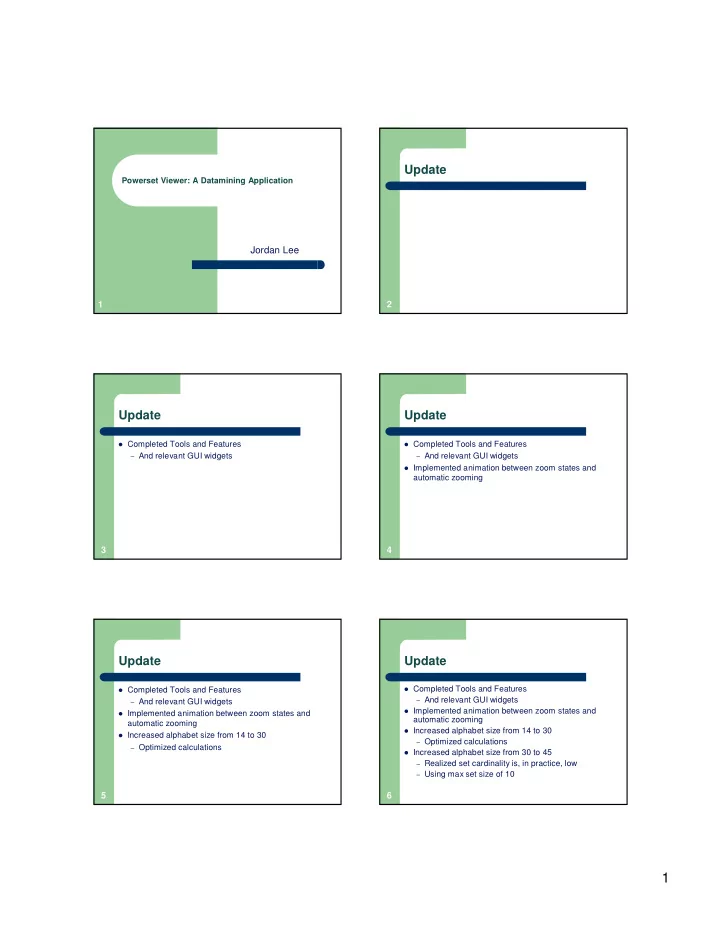
Update Powerset Viewer: A Datamining Application Jordan Lee 1 2 Update Update Completed Tools and Features Completed Tools and Features And relevant GUI widgets And relevant GUI widgets Implemented animation between zoom


slide-1
SLIDE 1

1

1

Powerset Viewer: A Datamining Application

Jordan Lee 2

Update

3

Update

Completed Tools and Features – And relevant GUI widgets

4

Update

Completed Tools and Features – And relevant GUI widgets Implemented animation between zoom states and

automatic zooming

5

Update

Completed Tools and Features – And relevant GUI widgets Implemented animation between zoom states and

automatic zooming

Increased alphabet size from 14 to 30 – Optimized calculations

6

Update

Completed Tools and Features – And relevant GUI widgets Implemented animation between zoom states and

automatic zooming

Increased alphabet size from 14 to 30 – Optimized calculations Increased alphabet size from 30 to 45 – Realized set cardinality is, in practice, low – Using max set size of 10

slide-2
SLIDE 2

2

7

Milestones Status Update

#1 Completion of the basic visualization of a

randomized database of small set size (~10)

8

Milestones Status Update

#1 Completion of the basic visualization of a

randomized database of small set size (~10)

#2 Addition of a single level of “marking”. #3 Addition of multiple levels of “marking” (6) #4 Addition of background marking to demarcate

areas of sets containing different amounts of items.

9

Milestones Status Update

#1 Completion of the basic visualization of a

randomized database of small set size (~10)

#2 Addition of a single level of “marking”. #3 Addition of multiple levels of “marking” (6) #4 Addition of background marking to demarcate

areas of sets containing different amounts of items.

#5 Implement multiple constraints

10

Milestones Status Update

#1 Completion of the basic visualization of a

randomized database of small set size (~10)

#2 Addition of a single level of “marking”. #3 Addition of multiple levels of “marking” (6) #4 Addition of background marking to demarcate

areas of sets containing different amounts of items.

#5 Implement multiple constraints #6 Increase maximum possible dataset size to at

least 100.

11

Difficulties

BigInteger solution to increase maximum

alphabet caused massive slow-down

– Recall: required BigIntegers to support > 30

alphabet size

– Solution: redesign keys to use integers and create

a bridge to map integers to BigInteger positions

12

BEFORE BRIDGE

Incoming Set (Position = 982) Success! Incoming Set (Position = 2^32 + 1) CRASH!

– Integer too large

slide-3
SLIDE 3

3

13

AFTER BRIDGE

Incoming Set (Position = 982)

– Encode to Key #1 Success!

Incoming Set (Position = 2^32 + 1)

– Encode to Key #2 Success!

Incoming Set (Position = arbitrarily large)

– Encode to Key #3

Success!

14

Difficulties

BigInteger solution to increase maximum

alphabet caused massive slow-down

– Recall: required BigIntegers to support > 30

alphabet size

– Solution: redesign keys to use integers and create

a bridge to map integers to BigInteger positions

Expensive initial costs Grid size limited by integer restrictions

– Solution: create grid on the fly

15

Benchmarks

Low Cardinality First

1,000 58 10,000 73 100,000 74 1M 75 10M 76 SET COUNT MEMORY (MB)

16

Figure: Low Cardinality (10000 sets) 73 MB

17

Benchmarks (cont’d)

Random Generated

10 71 30 72 127 70 168 71 263 72 SET COUNT MEMORY (MB)

18

Figure: Random (176 sets) 71 MB

slide-4
SLIDE 4

4

19

Questions and Comments