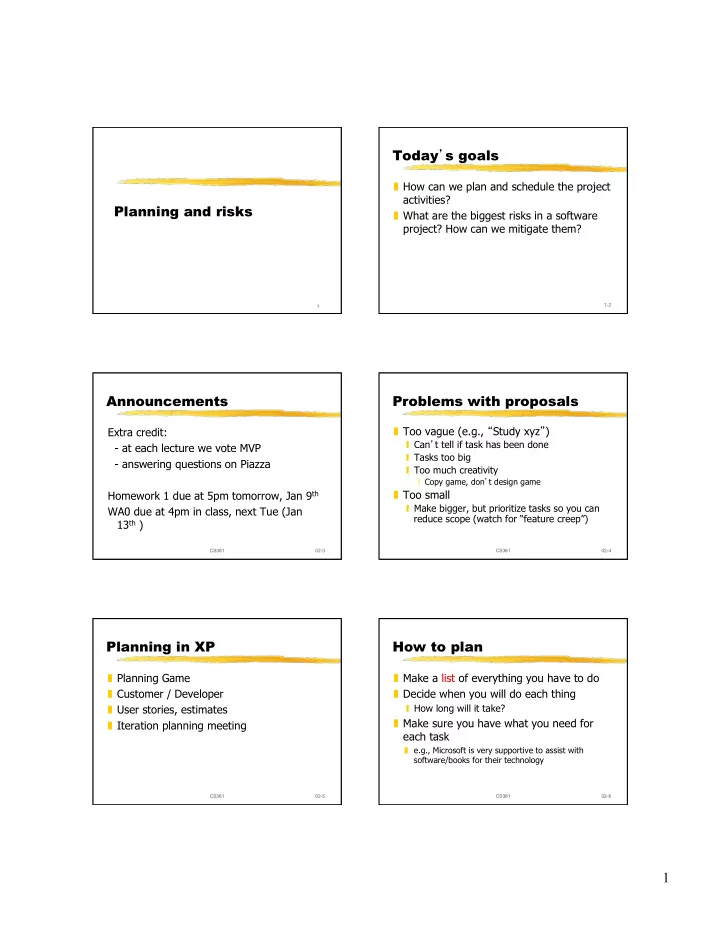
1 How long will it take? Scheduling Compare with other tasks you - - PDF document

1
SMART_READER_LITE
LIVE PREVIEW

1 How long will it take? Scheduling Compare with other tasks you - - PDF document

Today s goals How can we plan and schedule the project activities? Planning and risks What are the biggest risks in a software project? How can we mitigate them? 1-2 1 Announcements Problems with proposals Too vague (e.g.,


slide-1
SLIDE 1

1

1

Planning and risks Today’s goals

❚ How can we plan and schedule the project activities? ❚ What are the biggest risks in a software project? How can we mitigate them?

1-2

Announcements

Extra credit:

  • at each lecture we vote MVP
  • answering questions on Piazza

Homework 1 due at 5pm tomorrow, Jan 9th WA0 due at 4pm in class, next Tue (Jan 13th )

CS361 02-3 CS361 02-4

Problems with proposals

❚ Too vague (e.g., “Study xyz”)

❙ Can’t tell if task has been done ❙ Tasks too big ❙ Too much creativity

❘ Copy game, don’t design game

❚ Too small

❙ Make bigger, but prioritize tasks so you can reduce scope (watch for “feature creep”)

CS361 02-5

Planning in XP

❚ Planning Game ❚ Customer / Developer ❚ User stories, estimates ❚ Iteration planning meeting

CS361 02-6

How to plan

❚ Make a list of everything you have to do ❚ Decide when you will do each thing

❙ How long will it take?

❚ Make sure you have what you need for each task

❚ e.g., Microsoft is very supportive to assist with software/books for their technology

slide-2
SLIDE 2

2

CS361 02-7

How long will it take?

❚ Compare with other tasks you have done ❚ If too hard to estimate, break into smaller steps ❚ Get several people to estimate ❚ Asking the manager to make the plans does not work very well in practice

CS361 02-8

Scheduling

Determine list of tasks Determine needed resources for each task

❙ people ❙ computers, testing system

Schedule tasks

❙ some tasks depend on others ❙ some tasks compete for resources

CS361 02-9

PERT Charts

❚ Critical path - path that takes longest ❚ Slack - extra time for task ❚ Only optimize steps on critical path

Develop parser Develop type checker Develop code generator Define ASTs

5 3 8 9 17 14 6 11

Integrate

3 3 3 14 3

CS361 02-10

❚ http://en.wikipedia.org/wiki/ Program_Evaluation_and_Review_Techniq ue

CS361 02-11

Gant Charts

http://en.wikipedia.org/wiki/Gantt_chart

Big task Task 1 Task 3 Task 2 May Jan Feb Mar April

CS361 02-12

Project tracking

❚ Keep track of when each task is finished ❚ Compare plan to reality ❚ Tasks are either finished or not ❚ Forbid “75% finished” - decompose tasks

slide-3
SLIDE 3

3

CS361 02-13

Schedule

❚ List of dates, and the tasks to be finished (or started) at each.

❙ Excel ❙ Task & date, sorted by date ❙ Separate column for actual completion date

CS361 02-14

When is a task finished?

❚ Must be objective

❙ E.g., “Design passed review” not “Design is reusable” ❙ E.g., “portable because we got it to run on 3 platforms”

❚ Different tasks are evaluated differently

❙ In XP, a programming task is not finished until all unit tests run correctly. ❙ In RUP, writing a document is a separate task from reviewing it.

CS361 02-15

Risks

❚ Product risks ❚ Project risks ❚ Business risks ❚ Success does not require winning big, but avoiding failure.

CS361 02-16

What can go wrong?

Problem harder than we thought. We waste time, take too long. Customers don’t know what they want. System is too slow. Stock options become worthless, developers quit. Developers get bored and quit. Developers like new technology. It doesn’t work. Customers run out of money and kill the project.

CS361 02-17

Risks

Projects get killed for same old reasons. Use database of problems to identify risks. http://smad-ext.grc.nasa.gov/rmo/riskdb/ ❚ Assess risks. ❚ Avoid risks. Contain. Mitigate. ❚ Monitor risks you can’t avoid.

CS361 02-18

Biggest risks

Process should address biggest risks:

❙ Wrong requirements

❘ iterative development ❘ work closely with customer

❙ Constantly changing requirements

❘ manage changes ❘ keep schedule up to date

❙ Inadequate schedule

❘ keep schedule up to date ❘ reduce scope

slide-4
SLIDE 4

4

CS361 02-19

Risk management

❚ Risk assessment: a document listing risks, their likelihood, and their severity ❚ e.g., Amazon ❚ Decide whether you are going to try to avoid this risk or just to monitor it

Class activity

  • What are the main risks for your class

project? How are you managing them?

CS361 02-20 CS361 02-21

Managing risk in XP

❚ Iteration ❚ Do the simplest thing that could possibly work ❚ Customer picks most important stories ❚ Developers estimate time. Stories that they can’t estimate (or that have long estimates) are risky. Developers must work (prototype) to make reliable estimate.

CS361 02-22

Different ways of managing risk

❚ Risk: later iterations need more sophisticated design than first ones

❙ XP: keep design clean and simple and change it if necessary ❙ RUP: elaboration phase should consider all use cases and should select ones that are risky to do first

CS361 02-23

Different ways of managing risk

❚ Risk: As developers leave the project, new

  • nes must learn the system.

❙ XP: Use pair programming to teach new developers the system and to make sure that knowledge of the system is spread as widely as possible. ❙ RUP: Document the architecture and key use cases.

Waltzing with Bears

❚ Managing Risk on Software Projects ❚ Tom DeMarco and Timothy Lister ❚ Dorset House Publishing

CS361 02-24

slide-5
SLIDE 5

5

❚ Risk management is not the same thing as worrying about your project ❚ Core risks:

❙ Schedule flaw ❙ Requirements inflation ❙ Turnover ❙ Specification breakdown ❙ Underperformance

CS361 02-25

Why people don’t manage risks

❚ Don’t be a negative thinker! ❚ Don’t raise a problem unless you have a solution for it ❚ Don’t say something is a problem unless you can prove it is. ❚ Don’t raise a problem unless you want to be responsible for solving it.

CS361 02-26

Discovering risks

❚ Think of catastrophic outcomes: “What is your biggest fear?” ❚ Scenarios ❚ Root causes

CS361 02-27 CS361 02-28

Management tips

❚ Assign a project manager ❚ Have a single person responsible for each item.

❙ “If everyone is responsible, no one is responsible”

❚ Have a plan (agenda) for each meeting ❚ Make everything public

❙ Plans, actuals, metrics, …

CS361 02-29

XP user stories (HW1)

User stories describe the features of the software (WHAT), not the implementation (HOW) As a <role>, I want <goal/desire> ❚ E.g.: Search for customers

❙ As a user, I want to search for my customers by their first and last names.

User stories don’t contain GUI details

CS361 02-30

XP user stories (HW1)

❚ Games have one use case: user plays game ❚ For use cases to be good requirements document, more detail is needed.

❙ Use lower-level goals (e.g., tower shoots monsters, hoarde creates monsters)