1 3 D Modeling exam ple: Polygonal Mesh 3 D Effects exam ple: - - PDF document

1
SMART_READER_LITE
LIVE PREVIEW

1 3 D Modeling exam ple: Polygonal Mesh 3 D Effects exam ple: - - PDF document

2 D Vs. 3 D CS 4 7 3 1 Lecture 2 : 2D: 3 D I ntro to 2 D, 3 D, OpenGL and GLUT ( Part I ) Flat (x,y,z) values on screen (x,y) color values on screen Perspective: objects have distances from viewer Objects no


slide-1
SLIDE 1

1

CS 4 7 3 1 Lecture 2 : I ntro to 2 D, 3 D, OpenGL and GLUT ( Part I )

Emmanuel Agu

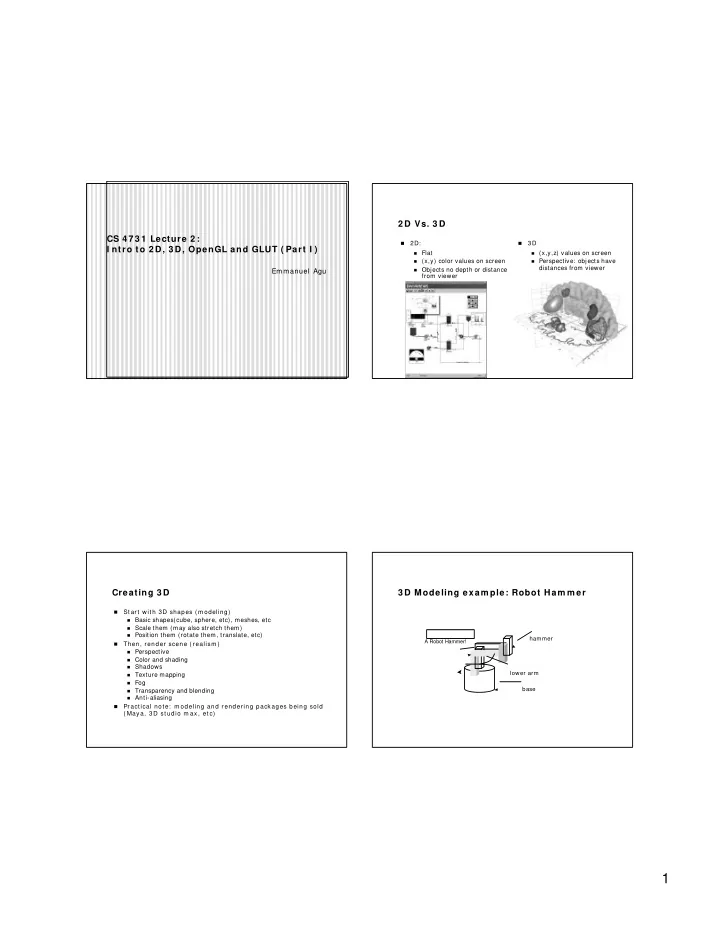
2 D Vs. 3 D

  • 2D:
Flat (x,y) color values on screen Objects no depth or distance

from viewer

  • 3 D
(x,y,z) values on screen Perspective: objects have

distances from viewer

Creating 3 D

  • St art wit h 3D shapes ( m odeling)
Basic shapes(cube, sphere, etc), meshes, etc Scale them (may also stretch them) Position them (rotate them, translate, etc)
  • Then, render scene ( realism )
Perspective Color and shading Shadows Texture mapping Fog Transparency and blending Anti-aliasing
  • Pract ical not e: m odeling and rendering packages being sold

( Maya, 3D st udio m ax, et c)

3 D Modeling exam ple: Robot Ham m er

base lower arm hammer A Robot Hammer!

slide-2
SLIDE 2

2

3 D Modeling exam ple: Polygonal Mesh

Original: 424,000 triangles 60,000 triangles (14%). 1000 triangles (0.2%) (courtesy of Michael Garland and Data courtesy of Iris Development.)

3 D Effects exam ple: Texturing 3 D Effects exam ple: Shadow s OpenGL Basics

  • OpenGL’s prim ary function – rendering
  • Rendering? – Convert geom etric/ m athem atical object

descriptions into im ages

  • OpenGL can render:
  • Geom etric prim itives ( lines, dots, etc)
  • Bitmap images ( .bmp, .jpg, etc)
slide-3
SLIDE 3

3

OpenGL Basics

  • Application Program m ing I nterface (API )
  • Low- level graphics rendering API
  • Widely used – will be used in this class
  • Maxim al portability
  • Display device independent
  • W indow system independent based ( W indow s, X, etc)
  • Operating system independent ( Unix, W indow s, etc)
  • Event- driven

OpenGL: Event - driven

  • Program only responds to events
  • Do nothing until event occurs
  • Example Events:
  • m ouse clicks
  • keyboard stroke
  • w indow resize
  • Programmer:
defines event s act ions t o be t aken
  • System:
m aintains an event queue takes program m er- defined actions

OpenGL: Event - driven

  • Sequential program
  • Start at m ain( )
  • Perform actions 1, 2, 3…. N
  • End
  • Event- driven program
  • I nitialize
  • W ait in infinite loop
  • W ait till defined event occurs
  • Take defined actions
  • World’s m ost popular event- driven program ?

OpenGL: Event - driven

  • How in OpenGL?
  • Programmer registers callback functions
  • Callback function called when event occurs
  • Exam ple:
  • Declare a function myMouse to respond to mouse click
  • Register it: Tell OpenGL to call it when mouse clicked
  • Code? glutMouseFunc(myMouse);
slide-4
SLIDE 4

4

GL Utility Toolkit ( GLUT)

  • OpenGL
  • is window system independent
  • Concerned only with drawing
  • No window management functions (create, resize, etc)
  • Very portable
  • GLUT:
  • Minimal window management: fast prototyping
  • Interfaces with different windowing systems
  • Allows easy porting between windowing systems

GL Utility Toolkit ( GLUT)

  • No bells and whistles
  • No sliders
  • No dialog boxes
  • No menu bar, etc
  • To add bells and whistles, need other API :
  • X window system
  • Apple: AGL
  • Microsoft : WGL, etc

Program Structure

  • Configure and open window (GLUT)
  • I nitialize OpenGL state
  • Register input callback functions (GLUT)
  • Render
  • Resize
  • Input: keyboard, mouse, etc
  • My initialization
  • Set background color, clear color, drawing color, point size,

establish coordinate system, etc.

  • glutMainLoop( )
  • Waits here infinitely till action is selected

GLUT: Opening a w indow

  • GLUT used to open window
  • glutInit(&argc, argv);
  • initializes
  • glutInitDisplayMode(GLUT_SINGLE | GLUT_RGB);
  • sets display mode (e.g. single buffer with RGB)
  • glutInitWindowSize(640,480);
  • sets window size (WxH)
  • glutInitPosition(100,150);
  • sets upper left corner of window
  • glutCreateWindow(“my first attempt”);
  • pen window with title “my first attempt”
slide-5
SLIDE 5

5

OpenGL Skeleton

void main(int argc, char** argv){ / / First initialize toolkit, set display mode and create window glutInit(&argc, argv); // initialize toolkit glutInitDisplayMode(GLUT_SINGLE | GLUT_RGB); glutInitWindowSize(640, 480); glutInitWindowPosition(100, 150); glutCreateWindow(“my first attempt”); / / … then register callback functions, / / … do my initialization / / .. wait in glutMainLoop for events }

GLUT Callback Functions

  • Register all events your program will react to
  • Event occurs = > system generates callback
  • Callback: routine system calls when event occurs
  • No registered callback = no action

GLUT Callback Functions

  • GLUT Callback functions in skeleton
  • glutDisplayFunc(myDisplay): window contents need to be

redrawn

  • glutReshapeFunc(myReshape): called when window is reshaped
  • glutMouseFunc(myMouse): called when mouse button is pressed
  • glutKeyboardFunc(mykeyboard): called when keyboard is

pressed or released

  • glutMainLoop( ): program draws initial picture and

enters infinite loop till event

Exam ple: Rendering Callback

  • Do all your drawing in the display function
  • Called initially and when picture changes (e.g.resize)
  • First, register callback in m ain( ) function

glutDisplayFunc( display );

  • Then, im plem ent display function

void display( void ) { // put drawing stuff here ……. glBegin( GL_LINES ); glVertex3fv( v[0] ); glVertex3fv( v[1] ); …………… glEnd(); }

slide-6
SLIDE 6

6

OpenGL Skeleton

void main(int argc, char** argv){ / / First initialize toolkit, set display mode and create window glutInit(&argc, argv); // initialize toolkit glutInitDisplayMode(GLUT_SINGLE | GLUT_RGB); glutInitWindowSize(640, 480); glutInitWindowPosition(100, 150); glutCreateWindow(“my first attempt”); / / … now register callback functions glutDisplayFunc(myDisplay); glutReshapeFunc(myReshape); glutMouseFunc(myMouse); glutKeyboardFunc(myKeyboard); myInit( ); glutMainLoop( ); }

References

  • Hill, chapter 2