Two modules together Week 1: introduction Software Workshop 1 - - PDF document

two modules together week 1 introduction
SMART_READER_LITE
LIVE PREVIEW

Two modules together Week 1: introduction Software Workshop 1 - - PDF document

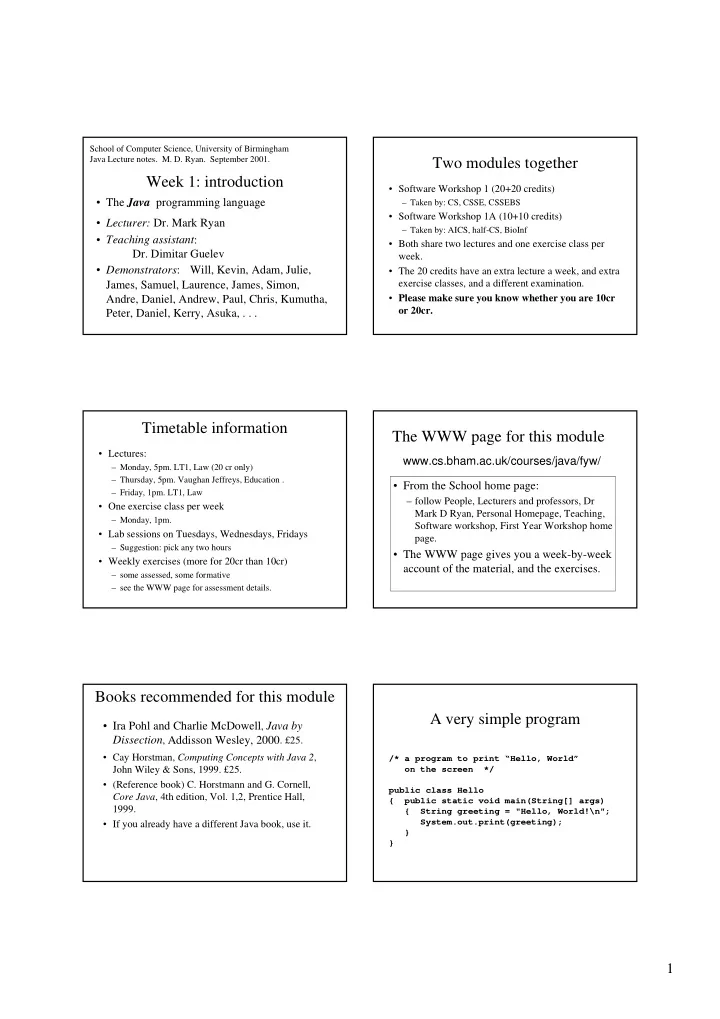
School of Computer Science, University of Birmingham Java Lecture notes. M. D. Ryan. September 2001. Two modules together Week 1: introduction Software Workshop 1 (20+20 credits) The Java programming language Taken by: CS, CSSE,


slide-1
SLIDE 1

1

Week 1: introduction

  • The Java programming language
  • Lecturer: Dr. Mark Ryan
  • Teaching assistant:
  • Dr. Dimitar Guelev
  • Demonstrators: Will, Kevin, Adam, Julie,

James, Samuel, Laurence, James, Simon, Andre, Daniel, Andrew, Paul, Chris, Kumutha, Peter, Daniel, Kerry, Asuka, . . .

School of Computer Science, University of Birmingham Java Lecture notes. M. D. Ryan. September 2001.

Two modules together

  • Software Workshop 1 (20+20 credits)

– Taken by: CS, CSSE, CSSEBS

  • Software Workshop 1A (10+10 credits)

– Taken by: AICS, half-CS, BioInf

  • Both share two lectures and one exercise class per

week.

  • The 20 credits have an extra lecture a week, and extra

exercise classes, and a different examination.

  • Please make sure you know whether you are 10cr
  • r 20cr.

Timetable information

  • Lectures:

– Monday, 5pm. LT1, Law (20 cr only) – Thursday, 5pm. Vaughan Jeffreys, Education . – Friday, 1pm. LT1, Law

  • One exercise class per week

– Monday, 1pm.

  • Lab sessions on Tuesdays, Wednesdays, Fridays

– Suggestion: pick any two hours

  • Weekly exercises (more for 20cr than 10cr)

– some assessed, some formative – see the WWW page for assessment details.

The WWW page for this module

www.cs.bham.ac.uk/courses/java/fyw/

  • From the School home page:

– follow People, Lecturers and professors, Dr Mark D Ryan, Personal Homepage, Teaching, Software workshop, First Year Workshop home page.

  • The WWW page gives you a week-by-week

account of the material, and the exercises.

Books recommended for this module

  • Ira Pohl and Charlie McDowell, Java by

Dissection, Addisson Wesley, 2000. £25.

  • Cay Horstman, Computing Concepts with Java 2,

John Wiley & Sons, 1999. £25.

  • (Reference book) C. Horstmann and G. Cornell,

Core Java, 4th edition, Vol. 1,2, Prentice Hall, 1999.

  • If you already have a different Java book, use it.

A very simple program

/* a program to print “Hello, World”

  • n the screen */

public class Hello { public static void main(String[] args) { String greeting = "Hello, World!\n"; System.out.print(greeting); } }

slide-2
SLIDE 2

2

Points to note

  • Every program has at least one “class”, and

the class declaration begins public class classname

  • Every program has a class with a main

“method” in it, and that is declared with public static void main (String[] args)

The program is a piece of text

  • You type it in, using an editor

– The editor you will use is called emacs – The emacs editor is very well-suited for typing programs, and will help you in various ways (syntax highlighting, indentation, bracket matching). – Other editors you have heard of include MS Word; this is not suitable for typing programs.

  • When you finish typing and editing

(correcting) your program, you save it on disk.

– The file name should be Fred.java, where Fred is the class name in the program. – A disk in Unix is organised into directories, which are like folders in Windows 95/98/2000. – Your directory is /home/students/ug/ug12aaa/ – (the ug12aaa part is unique to you)

  • You will create a subdirectory for the

exercises of the Workshop

– You might call it java-workshop – In which case its full name is /home/students/ug/ug12aaa/java-workshop – Potentially, another student could access the files in your directory, by doing cd /home/students/ug/ug12aaa/java-workshop – You can, and should, prevent this by read- protecting this directory with the command chmod go-rwx java-workshop

  • When you have saved your file, you will

compile it using the command javac Fred.java

– First, you should change to the right directory, using

cd ~/java-workshop

– Compiling the program means transforming it into a form which the computer can execute. – If all goes well, the compiler will not produce any error messages, and will create the file Fred.class. – You can look at Fred.class in emacs if you want, but it will appear to be gibberish.

  • Having compiled your program, you run it with

the command java Fred

– Note the difference between the compiling step,

javac Fred.java

and the running step,

java Fred

slide-3
SLIDE 3

3

  • If there were mistakes in your program, the

compiler will complain about them, or they might show up when you run the program.

  • Three kinds of errors:

– Compile-time errors (e.g. syntax errors) Errors that the compiler tells you about. – Run-time errors (e.g., division by 0) These are reported only when you try to run the program. – Programming errors (also called logical errors): it didn’t do what you intended.