
SLIDE 1
Time Lords & Timelines
Sharon Bradley, Special Collections Librarian Rachel Evans, Metadata Services Librarian Eleanor Lanier, Associate Dean for Clinical & Experiential Learning
In Legal Instruction
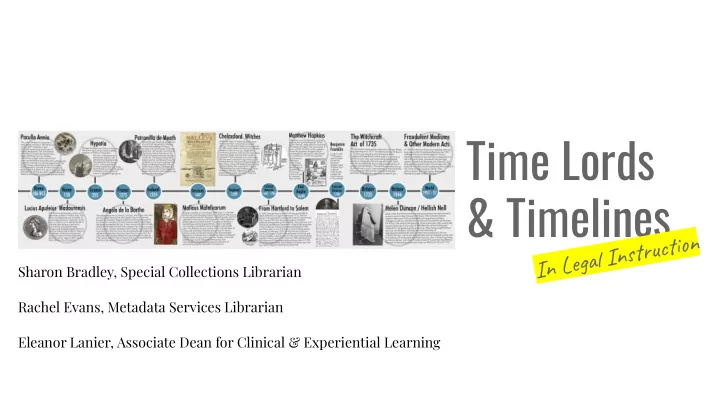
Time Lords & Timelines In Legal Instruction Sharon Bradley, - - PowerPoint PPT Presentation
Time Lords & Timelines In Legal Instruction Sharon Bradley, Special Collections Librarian Rachel Evans, Metadata Services Librarian Eleanor Lanier, Associate Dean for Clinical & Experiential Learning Time Lord (noun) a person who has
Sharon Bradley, Special Collections Librarian Rachel Evans, Metadata Services Librarian Eleanor Lanier, Associate Dean for Clinical & Experiential Learning
In Legal Instruction
(noun)
non-linear perception of time
indistinguishable from magic
What to Expect from your Time Travelers
I. Why Timelines - Pedagogical Reasons II. How to Apply Them - Four Applications A. Best for Instruction & Presenting - Prezi B. Best for Physical Displays/Printing - Piktochart C. Best for Interactive Events & Multimedia - Tiki-Toki D. Best for Preservation & Embeds - TimeToast III. Make it a Multi-Purpose & Collaborative Process IV. Questions?
WHY TIMELINES?
There are several pedagogical reasons:
events or developments into those already known about
concepts to show their relationships
visually appealing way
service
1. PollEv.com/rachelevans133 2. Download the app and enter rachelevans133 3. Or Text rachelevans133 to 22333 then submit responses (A, B, C, etc.)
INSTRUCT & PRESENT: Prezi
TimeToast
Simplest to Use & Best Embed!
EVENTS & MULTIMEDIA: Tiki-Toki
Piktochart
Best for Printed Timelines & Icon Library
COLLABORATE
When an idea comes to you:
Before making a new timeline:
After making new (or reusing) timelines:
social media images, share at events, embed in repository pages, set reminders to use again next year
MAP IT OUT TO RECYCLE
Map it out in advance for recycling later:
this timeline a second life?
(and again, and again) After making the new (or re-used) timeline:
○ Blogs ○ Guides ○ Social Media ○ Other site embeds (ex. IR site)
Questions? Tiank you!