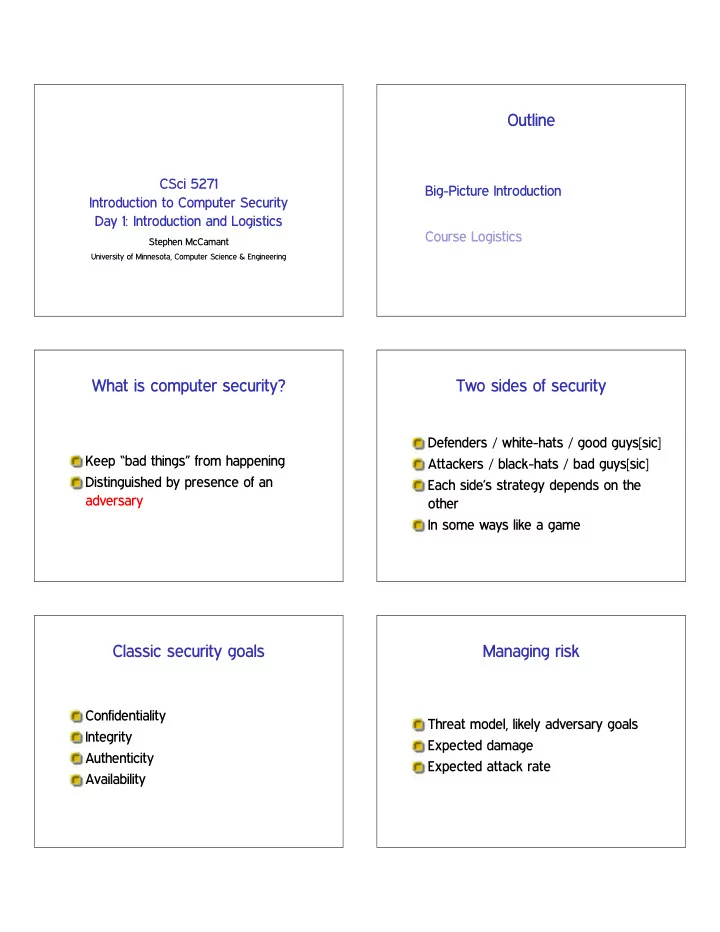
SLIDE 1 CSci 5271 Introduction to Computer Security Day 1: Introduction and Logistics
Stephen McCamant
University of Minnesota, Computer Science & Engineering
Outline
Big-Picture Introduction Course Logistics
What is computer security?
Keep “bad things” from happening Distinguished by presence of an adversary
Two sides of security
Defenders / white-hats / good guys[sic] Attackers / black-hats / bad guys[sic] Each side’s strategy depends on the
In some ways like a game
Classic security goals
Confidentiality Integrity Authenticity Availability
Managing risk
Threat model, likely adversary goals Expected damage Expected attack rate
SLIDE 2
Course areas
Software security OS security Cryptography Network application security Other topics
Software security
Security bugs aka vulnerabilities
Some specific to low-level languages like C, others not
Arms race
Attack techniques Defenses against unknown bugs Countermeasures against defenses
Defensive programming and design
OS security
Classic area for secure design and security policies
Some specific examples from Unix/Linux
Access control and capabilities Multi-level security and information flow Assurance and trust
Cryptography
Mathematical techniques for protecting information Symmetric-key techniques (e.g. AES) Public-key techniques (e.g. RSA) Cryptographic protocols What can go wrong (lots!)
Security and the network
Network protocols, basic and “S” Firewalls, NATs, intrusion detectors Web servers and web clients Network malware and network DoS
Short topics
Privacy-enhancing network overlays Security and usability Electronic voting Electronic cash (e.g., Bitcoin)
SLIDE 3
Learning goals
Think like your adversary Recognize and eliminate vulnerabilities Design and build systems securely Apply security principles to research problems
Outline
Big-Picture Introduction Course Logistics
Instructor information
Stephen McCamant Office: 4-225E Keller Office hours: Monday 10-11am, Tuesday 2-3pm, or by appointment Email: ♠❝❝❛♠❛♥t❅❝s✳✉♠♥✳❡❞✉
Teaching assistant
Travis Carlson Office hours Wednesday 3-4, Thursday 11-12, in Keller 2-246
Prerequisites
Undergraduate-level OS, e.g. 4061 Machine code and compilation
E.g. 2021, transitive for 4061
Useful: networks (4211) Graduate level maturity and resourcefulness C, Unix, (Perl ❥ Python ❥ Ruby ❥ ✁ ✁ ✁)
Reading materials
Posted on the course web site Download, perhaps with library proxy Read before corresponding lecture Readings and lecture may not match
Both may appear on exams
SLIDE 4
Textbook Evaluation components
10% Written exercise sets (5) 15% Hands-on assignments (2) 20% Midterm exam 25% Final exam 30% Group research project
Exercises
Five sets, roughly by topic areas Do individually or in groups of up to 3 Mostly thinking and writing, not much programming Submit one set per group in PDF, via Canvas
Hands-on assignments
Two assignments, by large topic divisions Do individually or in groups of up to 3 Mostly programming and attacking Draws heavily on your C and Unix skills First up: penetrate-and-patch HA1
Exams
Open book, open notes, no laptops/calculators/phones Mix of multiple-choice/true-false and short-answer Midterm: Monday October 21st in class Final: Saturday December 14th 10:30am-12:30pm Mark your calendars!
Group research project
Single most important and time-consuming part of course Groups of 4-5, preferably 5 or 6 Engage with a recent research paper
Reproduce and extend, or Reproduce and attack
SLIDE 5
Project milestones
Pre-proposal (due Sep. 18) Progress meetings and reports (monthly) Short in-class presentation (last two weeks) Paper-style final report (due Dec. 11)
Pre-proposal (Sep. 18)
Who: group members What: paper you’re engaging with Why: are you suited for this project How: preliminary action plan When: available times for progress meetings
Project evaluation
15% Originality 15% Scholarship 30% Strength of evaluation 40% Individual contribution
Late assignments
Due dates usually 11:59pm Central Time 1 sec late - 23:59:59 late: 75% 24 hrs - 47:59:59 late: 50% 48 hrs - 71:59:59 late: 25% After that: 0
Collaboration, within groups
Main kind of collaboration expected in class Think about how you structure your collaboration For best results, but also to learn from teammates
Collaboration, between groups
Be careful: “no spoilers” OK to discuss general concepts OK to help with side tech issues Sharing code or written answers is never OK
SLIDE 6 External sources
Many assignments will allow or recommend outside (library, Internet) sources But you must appropriately acknowledge any outside sources you use Failure to do so is plagiarism
Security ethics
Don’t use techniques discussed in class to attack the security of other people’s computers! If we find you do, you will fail, along with
- ther applicable penalties
Academic misconduct generally
Don’t cheat, plagiarize, help others cheat, etc. Minimum penalty: 0 on assignment, report to OCS More serious: F in course, other OCS penalties
Course web site
Department web site under ❝s❝✐✺✷✼✶ Also linked from my home page ⑦♠❝❝❛♠❛♥t
Canvas
Assignment submissions Discussion forums
Including: group formation
Challenging course aspects
Stressing C, low-level, and Unix skills Thinking like an attacker Thinking like a researcher Time management
SLIDE 7
Hands-on Assignment 1
Weekly attacks 9/20-10/18 Attack a badly coded mail server (BCMTA 2.0) Test your attacks using Linux virtual machines
Exploiting BCMTA
BCMTA runs as super-user (“root”) Bugs allow a regular user to gain root privileges (shell) Challenge: many steps from bug to working exploit Challenge: bugs fixed over time
Detailed material starts next week
Readings, projects, exercise 1 See you on Monday!