Loops/iteration Bash supports a variety of looping constructs, the - - PowerPoint PPT Presentation

loops iteration
SMART_READER_LITE
LIVE PREVIEW

Loops/iteration Bash supports a variety of looping constructs, the - - PowerPoint PPT Presentation

Loops/iteration Bash supports a variety of looping constructs, the simplest being the while loop, e.g. w hile [ $x -le 5 ] ; do echo $x (( x++ )) done Note the use of do/done to delimit the loop body For loops: C style There


slide-1
SLIDE 1

Loops/iteration

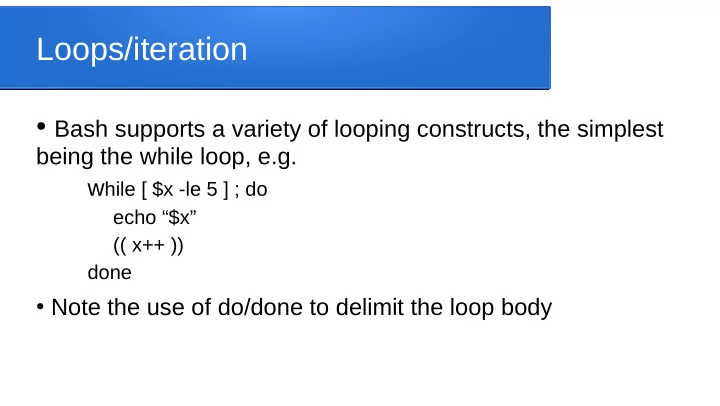
  • Bash supports a variety of looping constructs, the simplest

being the while loop, e.g. while [ $x -le 5 ] ; do

echo “$x” (( x++ )) done

  • Note the use of do/done to delimit the loop body
slide-2
SLIDE 2

For loops: C style

  • There are two main styles of for loop supported
  • C-like for loops are available with the following syntax

for (( x=1; x<10; x++ )) ; do echo “$x” done

slide-3
SLIDE 3

For loops: the in keyword

  • The other style of for loop allows you to iterate across a set of values,

using the general style “for X in Y”

  • The set of values can be hardcoded, e.g.

for x in a b c ; do

  • The set of values can be words in a text string, e.g.

for x in $text; do

  • The set of values can be the elements of an array, e.g. the command

line arguments ($@)

for x in $@; do

slide-4
SLIDE 4

Iterating across lines of text

  • We often find our code going through lines of text (files,
  • utput from other programs/function calls, etc)
  • We set the variable IFS to specify the seperator we want to

use, then use the usual “in” syntax, e.g.

IFS=$’\n’ for line in $text; do echo “$line” done

slide-5
SLIDE 5

Reading file content

  • With the < redirect, we can read file contents, e.g.

echo “enter a filename” read filename if [ -f $filename ] ; then while IFS= read line; do echo “$line” done else echo “sorry, file $filename not found” fi

slide-6
SLIDE 6

Reading command output

  • Similarly, we can read the output from a command, e.g.

while IFS= read line; do echo “$line” done <<< $(ls)