Lecture 05: Understanding execvp Enter the execvp system call! - - PowerPoint PPT Presentation

lecture 05 understanding execvp
SMART_READER_LITE
LIVE PREVIEW

Lecture 05: Understanding execvp Enter the execvp system call! - - PowerPoint PPT Presentation

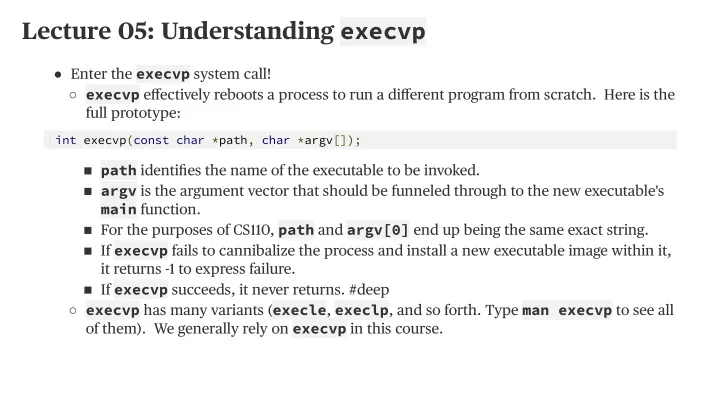
Lecture 05: Understanding execvp Enter the execvp system call! execvp effectively reboots a process to run a different program from scratch. Here is the full prototype: int execvp ( const char * path , char * argv []) ; path


slide-1
SLIDE 1

Lecture 05: Understanding execvp

Enter the execvp system call!

  • execvp effectively reboots a process to run a different program from scratch. Here is the

full prototype: ○ path identifies the name of the executable to be invoked. ■ argv is the argument vector that should be funneled through to the new executable's main function. ■ For the purposes of CS110, path and argv[0] end up being the same exact string. ■ If execvp fails to cannibalize the process and install a new executable image within it, it returns -1 to express failure. ■ If execvp succeeds, it never returns. #deep ■ execvp has many variants (execle, execlp, and so forth. Type man execvp to see all

  • f them). We generally rely on execvp in this course.

int execvp(const char *path, char *argv[]);

slide-2
SLIDE 2

Lecture 05: Understanding execvp

First example using execvp? An implementation mysystem to emulate the behavior of the libc function called system.

  • Here we present our own implementation of the mysystem function, which executes the

supplied command as if we typed it out in the terminal ourselves, ultimately returning

  • nce the surrogate command has finished.

○ If the execution of command exits normally (either via an exit system call, or via a normal return statement from main), then our mysystem implementation should return that exact same exit value. ○ If the execution exits abnormally (e.g. it segfaults), then we'll assume it aborted because some signal ended it, and we'll return that negative of that signal number (e.g. -11 for SIGSEGV). ○

slide-3
SLIDE 3

Lecture 05: Understanding execvp

Here's the implementation, with minimal error checking (the full version is right here ):

  • Instead of calling a subroutine to perform some task and waiting for it to complete,

mysystem spawns a child process to perform some task and waits for it to complete. ○ We don't bother checking the return value of execvp, because we know that if it returns at all, it returns a -1. If that happens, we need to handle the error and make sure the child process terminates via an exposed exit(0) call. ○ Why not call execvp inside the parent and forgo the child process altogether? Because execvp would consume the calling process, and that's not what we want. ○

static int mysystem(const char *command) { pid_t pid = fork(); if (pid == 0) { char *arguments[] = {"/bin/sh", "-c", (char *) command, NULL}; execvp(arguments[0], arguments); printf("Failed to invoked /bin/sh to execute the supplied command.\n"); exit(0); } int status; waitpid(pid, &status, 0); return WIFEXITED(status) ? WEXITSTATUS(status) : -WTERMSIG(status); }

slide-4
SLIDE 4

Lecture 05: Understanding execvp

Here's a test harness that we'll run during lecture to confirm our mysystem implementation is working as expected:

  • fgets is a somewhat overflow-safe variant on scanf that knows to read everything up

through and including the newline character. ○ The newline character is retained, so we need to chomp it off before calling mysystem. ■

static const size_t kMaxLine = 2048; int main(int argc, char *argv[]) { char command[kMaxLine]; while (true) { printf("> "); fgets(command, kMaxLine, stdin); if (feof(stdin)) break; command[strlen(command) - 1] = '\0'; // overwrite '\n' printf("retcode = %d\n", mysystem(command)); } printf("\n"); return 0; }