#join Brace JellyBox Build: 20_Acrylic Brace In this video, we - - PDF document

join brace
SMART_READER_LITE
LIVE PREVIEW

#join Brace JellyBox Build: 20_Acrylic Brace In this video, we - - PDF document

#join Brace JellyBox Build: 20_Acrylic Brace In this video, we assemble and incorporate the Brace. ___________________________________________________________________ You'll Need: Front Brace piece Back Brace piece 4" zip tie (1)


slide-1
SLIDE 1

JellyBox Build: 20_Acrylic Brace In this video, we assemble and incorporate the Brace. ___________________________________________________________________

You'll Need:

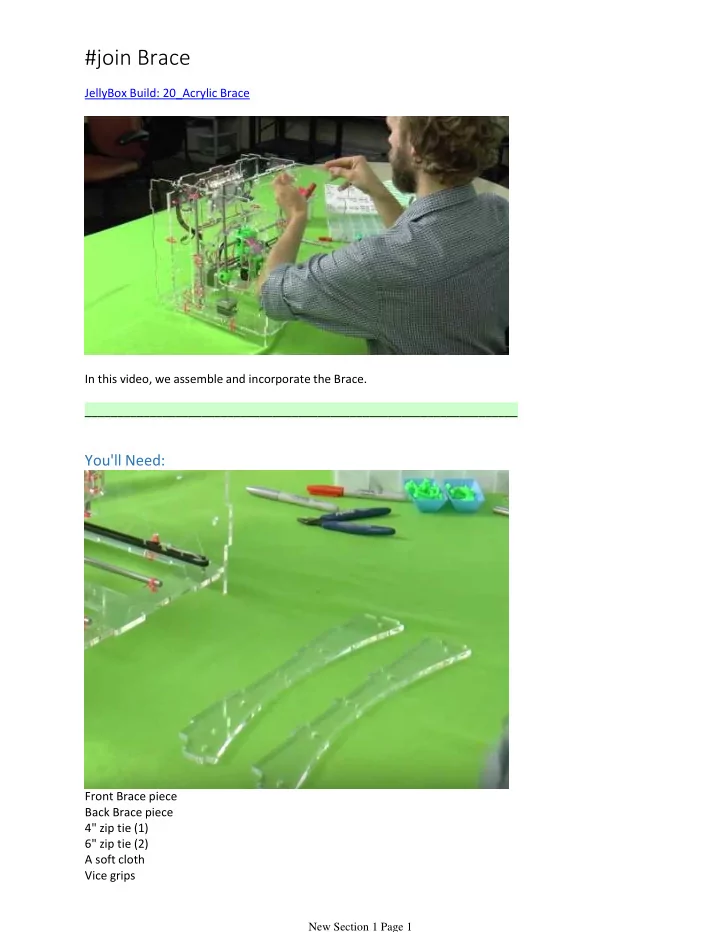
Front Brace piece Back Brace piece 4" zip tie (1) 6" zip tie (2) A soft cloth Vice grips Side cutters

#join Brace

New Section 1 Page 1

slide-2
SLIDE 2

Side cutters

Title: Clean the Brace

Use a soft cloth to clean the brace parts. Any fingerprints or dirt stuck between the two will show.

Title: Align the Brace Parts

Place the front brace on top of the back brace.

Title: Connect the Brace Pieces

New Section 1 Page 2

slide-3
SLIDE 3

Title: Connect the Brace Pieces

New Section 1 Page 3

slide-4
SLIDE 4

Use a 4" zip tie through the two central holes. Tighten the zip tie with vice grips. Cut the free end with side cutters.

Title: Place the Brace in the Printer

Gently flex left and the right acrylic pieces to put the brace into position. (See video if necessary!) Make sure the cut out in the brace is on the left side.

Title: Secure the Brace with Zip Ties

New Section 1 Page 4

slide-5
SLIDE 5

Use two 6" zip ties to hold the brace in place. Place the heads of the ties behind the brace. Use vice grips and side cutters to tighten and clean up the connection.

New Section 1 Page 5