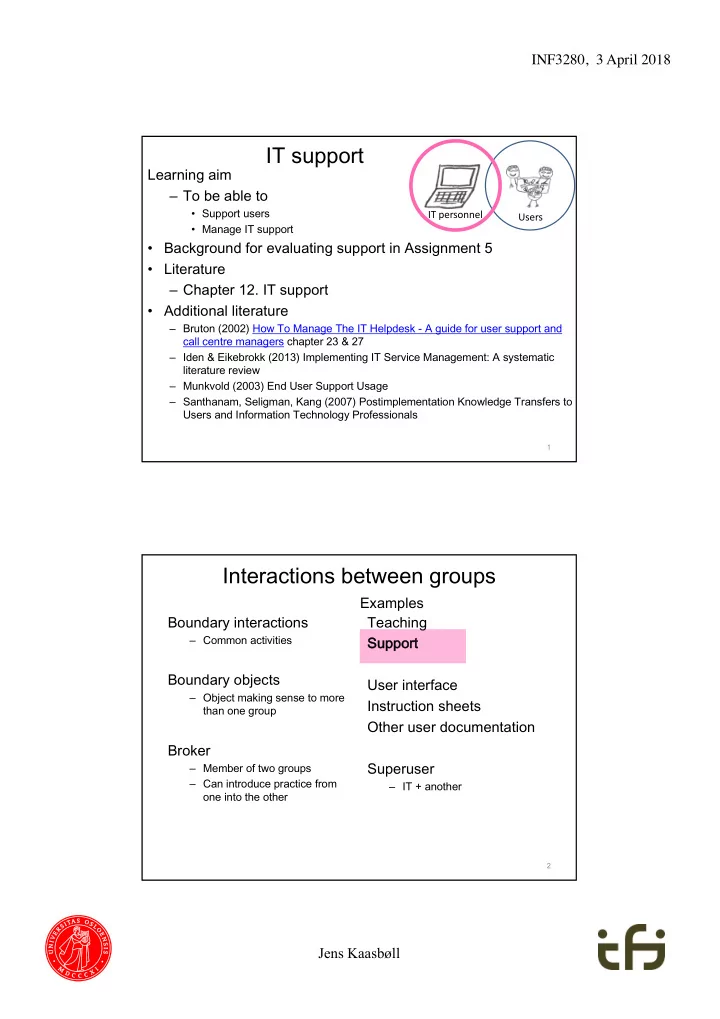
IT support Learning aim To be able to Support users IT personnel - - PDF document

it support
SMART_READER_LITE
LIVE PREVIEW

IT support Learning aim To be able to Support users IT personnel - - PDF document

INF3280, 3 April 2018 IT support Learning aim To be able to Support users IT personnel Users Manage IT support Background for evaluating support in Assignment 5 Literature Chapter 12. IT support Additional literature


slide-1
SLIDE 1

Jens Kaasbøll INF3280, 3 April 2018 Learning aim – To be able to

  • Support users
  • Manage IT support
  • Background for evaluating support in Assignment 5
  • Literature

– Chapter 12. IT support

  • Additional literature

– Bruton (2002) How To Manage The IT Helpdesk - A guide for user support and call centre managers chapter 23 & 27 – Iden & Eikebrokk (2013) Implementing IT Service Management: A systematic literature review – Munkvold (2003) End User Support Usage – Santhanam, Seligman, Kang (2007) Postimplementation Knowledge Transfers to Users and Information Technology Professionals IT personnel Users

IT support

1

Teaching Su Support User interface Instruction sheets Other user documentation Superuser

– IT + another

Interactions between groups

Boundary interactions

– Common activities

Boundary objects

– Object making sense to more than one group

Broker

– Member of two groups – Can introduce practice from

  • ne into the other

2

Examples

slide-2
SLIDE 2

Jens Kaasbøll INF3280, 3 April 2018

On the phone

  • Understanding each other

Customer: I’m getting poor quality prints – sort of smudges on them. Troubleshooter accesses knowledge base and selects ‘image quality’. Troubleshooter: When it’s printing? Customer: Yes. Troubleshooter: OK, do you get this when it’s copying? Troubleshooter: So you get it printing and copying and they’re like smudges? Troubleshooter selects ‘smears and smudges’ in knowledge base.

  • Helping the user navigate

Troubleshooter: OK could you - do you know where the xerographic module is in the machine? Troubleshooter: OK, I’ll tell you exactly where it is as there’s something I want you to try, just to see if this will rectify the problem for you – if you open the front door of the machine …

  • Thereafter leading the user through the troubleshooting cycle

Crabtree et al., 2006

3

Scaffolds for IT supporters guiding users

Gui uidi ding ng use ser on

  • n th

the phone phone

  • Carry out the operations
  • n your own computer

and instruct the user accordingly

  • Challenge the user to
  • bserve precisely
  • Make the user talk

Lear Learni ning ng use ser termi rminology

  • Listen to the user’s

terminology

  • Add new phrases to your
  • wn repertoire of user

terminology

4

slide-3
SLIDE 3

Jens Kaasbøll INF3280, 3 April 2018

Discrimination error

5

Oh, I can use this one also Window

  • n screen

Clicking X or □ in upper right corner Clicking program at bottom of screen No Window With this you can minimise the window

Scaffolds for IT supporters helping users understand

Gu Guiding toward rds underst standing

  • Observe user reactions
  • Compare user reaction

with possible conceptions

  • f the IT
  • Explain the difference

between user misconceptions and an adequate model Lear Learni ning ng use ser underst standing

  • Add a misconception to

your repertoire.

  • Compare your

explanation with possible changes in the user’s conception

  • Add an explanation to

your repertoire.

6

slide-4
SLIDE 4

Jens Kaasbøll INF3280, 3 April 2018

7

Study of competence development — users and technical support staff

  • Bank in USA
  • Introduced a new information system
  • Training
  • Help desk with technical support staff
  • Participant observations by one of the supporters

– User requests – Meetings amongst users – Meetings amongst supporters – Meetings with users and supporters

– Santhanam et al, 2007

8

Support staff learning from users

  • Business fit understanding
  • The fact that the system allows one user to see

another’s work.

  • The need for forms that have had changes to be

reapproved

  • IT understanding

– When forms are created in other applications and then are dropped into the work flow system, the display is completely messed up. – Bank logos do not display properly on every page. – Users are not able to save the credit agreement form.

slide-5
SLIDE 5

Jens Kaasbøll INF3280, 3 April 2018

9

  • 1. IT understanding
  • 2. Business fit understanding
  • 3. IT skills
  • 1. Business fit understanding
  • 2. IT understanding
  • 3. IT skills
  • 1. IT skills
  • 2. IT understanding
  • 3. Business fit understanding
  • 1. Business fit understanding
  • 2. IT understanding
  • 3. IT skills

Works better when knowing whom to ask

Support staff – Users learning IT support vs Super-users

IT IT p personnel s l support

  • Survey in Norwegian University

222 users

49% prefer IT support 31% prefer colleagues

Nilsen & Sein, 2004

Su Super-use sers

  • Survey of US middle managers

98 users

38% prefer super-users 31% prefer colleagues 19% prefer IT support

Govindarajulu et al., 2000

10

IT personnel Users IT personnel Users

slide-6
SLIDE 6

Jens Kaasbøll INF3280, 3 April 2018

User support vs Competence level

Supporters – IT support personnel – Superusers Media

  • Helpdesks – personal

meeting

  • Helplines – calling on

the phone

  • E-mail

Software and Company help – Context-free – Searchable Internet resources – E-mail lists – Blogs – FAQs

11

Users’ preferences

12

Informa rmal Fo Formal Perso sonal Superusers IT support Imperso sonal Internet resources Software and Company help

Munkvold (2003) End User Support Usage

slide-7
SLIDE 7

Jens Kaasbøll INF3280, 3 April 2018

Users’ background

  • Problem-solving skills
  • IT involvement

– The importance and personal relevancy an end user attached to a computer and the use of it

  • IT self-efficacy

– People’s perception of their own capabilities to use computers to accomplish a task

13

c

Explain!

Results from 277 responses

14

Superusers Internet resources Software and Company help Solving the problem themselves IT support

Problem-solving skills

IT self-efficacy IT involvement

Direct access to IT-professional

Being a superuser Preferred type of help

  • 0.14

+0.15 +0.29 +0.15 +0.21

  • 0.17
  • 0.22
  • 0.18
  • 0.16
  • 0.14
  • 0.14

+0.20 +0.14

slide-8
SLIDE 8

Jens Kaasbøll INF3280, 3 April 2018

Suppor Support qual t quality ty

15

  • Support factors vs satisfaction

– 484 users – US university – Quality of training documentation received the lowest score

Shaw et al., 2002

Ra Rank Fa Factor 1 Fast response time from system support staff to remedy problems 2 Data security and privacy 3 User’s understanding of the system 4 New software upgrades 5 Positive attitude of information systems staff to users 6 A high degree of technical competence of systems support staff

Helpdesks sks and helplines

  • Helpdesk

– Personal visit

  • Helpline

– Telephone call for support

  • Perceived support quality

– Tangibles – Reliability – Responsiveness – Assurance – Empathy

  • Survey of consumer – supplier relations

– Not in-house support

van Velsen, Steehouder, de Jong (2007)

16

− Perceived IT solution quality

  • Correctness
  • Promptness
slide-9
SLIDE 9

Jens Kaasbøll INF3280, 3 April 2018

Helpdesk – 64 responses

  • Users prefer a good experience

17

Satisfaction with helpdesk (R2=.86)

Helpline – 242 responses

  • Users prefer a good solution

– Motivation strongly affected by the experience

18

Satisfaction with helpline (R2=.79)

slide-10
SLIDE 10

Jens Kaasbøll INF3280, 3 April 2018

Improve ve su support quality

  • Organise one service desk for all user requests
  • Set a target for response time
  • Track requests
  • Learn from previous requests
  • Select appropriate staff

19

Servi vice ce desk sk – si single point of co contact ct

20

Service desk 2 line of support 3 line of support 3 line of support External vendor support External vendor 2 line of support

  • Improves

– User satisfaction – Response time

– Iden and Eikebrokk, 2013

– More success in larger companies

– Kanapathy and Khan, 2012 User User User User

slide-11
SLIDE 11

Jens Kaasbøll INF3280, 3 April 2018

Inf nfor

  • rmat

ation ion Tec echnology hnology Inf nfras astruc uctur ure e Libr Librar ary IT ITIL IL

  • Commercial package of guidelines

– ITIL Service Operation

  • User support
  • Troubleshooting
  • Requests for software changes
  • Warnings concerning threats to data security

21

IT executives’ perception of ITIL

  • Survey of 441 IT managers in large business

– UK, US and other

  • Higher level of maturity of ITIL

àImprove alignment of IT and business àIncrease the number of benefits provided by IT that are acknowledged by the business

Marrone & Kolbe (2011) Uncovering ITIL claims: IT executives’ perception on benefits and Business- IT alignment. Inf Syst E-Bus Management 9:363–380

22

slide-12
SLIDE 12

Jens Kaasbøll INF3280, 3 April 2018

Criteria for se select cting su support st staff — su support managers’ s’ vi view

  • Patience
  • Assertiveness
  • Thoroughness
  • Enthusiasm
  • Responsibility
  • Technical knowledge
  • Empathy
  • Communicative ability
  • Works well under pressure
  • Bruton, 2002

23

  • 10. Organise

se one se servi vice ce desk sk for all use ser request sts s with se servi vice ce minded st staff.

24