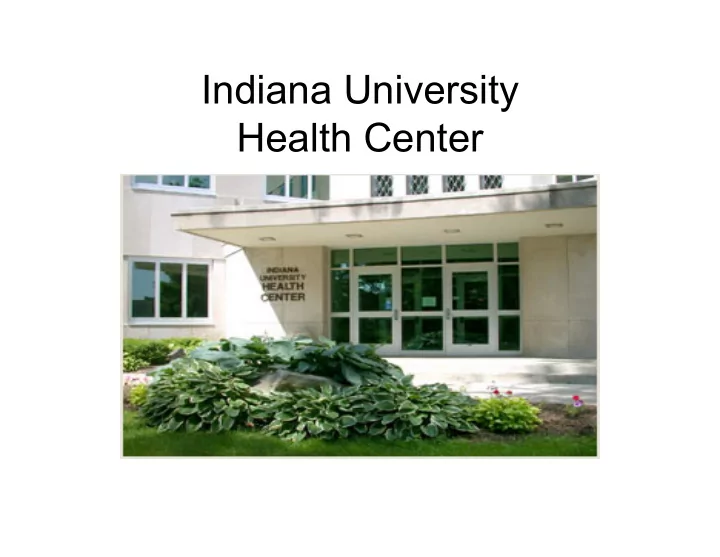
Indiana University Health Center Indiana Universitys portal - - PowerPoint PPT Presentation

indiana university health center indiana university s
SMART_READER_LITE
LIVE PREVIEW

Indiana University Health Center Indiana Universitys portal - - PowerPoint PPT Presentation

Indiana University Health Center Indiana Universitys portal OneStart CAS (central authentication system) log-in Personal Health Record Feb 23, 2009 IUHC launched PHR for students at the Bloomington campus.


slide-1
SLIDE 1

Indiana University Health Center

slide-2
SLIDE 2
  • Indiana University’s portal – OneStart
  • CAS (central authentication system) log-in
slide-3
SLIDE 3

Personal Health Record

  • Feb 23, 2009 IUHC launched PHR for

students at the Bloomington campus.

  • NoMoreClipboard.com PHR
slide-4
SLIDE 4
  • Easily share medical information
  • Create a secure password-protected PHR which

will include their:

– Medications – Allergies – Current and Past Medical Conditions

  • Complete pre-appointment forms which will be

transmitted into their electronic health record (EHR) before they arrive for their appointment.

– This saves patients from having to arrive early to complete forms.

  • The forms go directly into our

EHR’s, WorkFlow.com, indexing queue.

slide-5
SLIDE 5

Online Appointment Scheduling for Students

slide-6
SLIDE 6
  • Schedule their own appointments (live with
  • ur Practice Management System (PMS),

Medicat.

  • Most common/routine appointment

reasons in these clinics are available for

  • nline scheduling:

– Medical Clinic – Women’s Clinic – Immunization Clinic

slide-7
SLIDE 7
  • Screen out patients who should call for an

appointment.

  • User forced to close window before proceeding.
slide-8
SLIDE 8
  • Demographics are pulled from the PMS.
  • Changes to this screen will also update

demographics in our PMS.

slide-9
SLIDE 9
  • select Category (Clinic)
  • select Reason for Visit
slide-10
SLIDE 10
  • Select a specific provider
  • r Select “Any Provider” to search schedules in that

Clinic

slide-11
SLIDE 11
  • If patient has selected “Any Provider”, the application automatically

searches for the schedule of the least busy provider.

  • Select the week on the calendar.
  • Select the day of the week and time.
slide-12
SLIDE 12
  • Click “Confirm” - a confirmation email will

automatically be sent with an iCal attachment (add to calendar).

slide-13
SLIDE 13
  • If a patient selects an appointment reason that has an intake form associated with it, this screen will

provide the option of arriving 15 minutes early to complete the forms…

  • OR click on the form listed to be re-routed to their PHR to complete this form.
  • If they do not have a PHR account, they will be prompted to activate an account.
  • Once a form is completed online, the form is sent to the indexing queue in our EHR (WorkFlow).
slide-14
SLIDE 14
  • # appointments scheduled in CY 2009

for these 3 Clinics (Medical Clinic, Women’s Clinic and Immunization Clinic) = 47,771

  • Online appointment scheduling will help

reduce the number of calls to the appointment desk.

  • We can provide better customer service.
slide-15
SLIDE 15

another version of this online appointment scheduler was utilized to plan/manage The H1N1 Clinic

  • Students, faculty and staff scheduled their own

appointments online.

  • This was a ‘reservation system’.
  • Starting out we didn’t know:

– when we would receive vaccine – how much vaccine we would receive – what the demand would be

  • 8,281 vaccines were given at Assembly Hall