EExAT A Parents Guide What is EExAT? How we get to know your - - PowerPoint PPT Presentation

eexat a parent s guide what is eexat how we get to know
SMART_READER_LITE
LIVE PREVIEW

EExAT A Parents Guide What is EExAT? How we get to know your - - PowerPoint PPT Presentation

Follow us on Twitter @earlyexcellence EExAT A Parents Guide What is EExAT? How we get to know your children. Talking to the nursery s/he attended. Look at the childrens records from another setting Talking to you about


slide-1
SLIDE 1

Follow us on Twitter @earlyexcellence
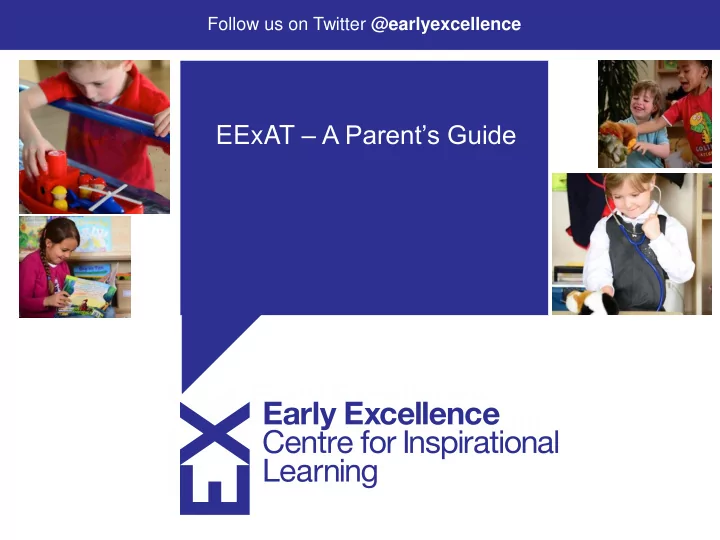
EExAT – A Parent’s Guide

slide-2
SLIDE 2

What is EExAT?

slide-3
SLIDE 3
  • Talking to the nursery s/he attended.
  • Look at the children’s records from another setting
  • Talking to you about the things they can do.
  • Talking to your child
  • Playing alongside your child
  • Watching your child playing and talking to others.

How we get to know your children.

slide-4
SLIDE 4

Look, listen and note!

  • Sometimes we may make a note of something your child does
  • r say as this will help us to recall this when the time comes to

make an assessment.

  • This could be a note, a photo or a short video clip.
  • We refer to these notes as ‘observations’ or ‘evidence’
  • Some of these special notes we want to share with you and we

will put these into a child’s learning journal.

slide-5
SLIDE 5

New Evidence!

slide-6
SLIDE 6

Learning Journal

slide-7
SLIDE 7

Learning Journal

slide-8
SLIDE 8

Learning Journal

slide-9
SLIDE 9

Be involved!

View your child’s learning journal Comment on the learning journal Print the learning journal Share your own information with us, this may be a note or a photograph.

slide-10
SLIDE 10

Register and Access

Your child’s teacher will give you a unique access code that will allow you to view the learning journal. Please keep this safe until you have activated this code. Once you have the code. Go to eexat.com to register your details

slide-11
SLIDE 11
slide-12
SLIDE 12
slide-13
SLIDE 13
slide-14
SLIDE 14
slide-15
SLIDE 15
slide-16
SLIDE 16

Send us your photos or notes!

slide-17
SLIDE 17
slide-18
SLIDE 18
slide-19
SLIDE 19

Download the App!

slide-20
SLIDE 20

EExAT Parent App

slide-21
SLIDE 21

EExAT App

slide-22
SLIDE 22

Your checklist…

  • Receive your EExAT access code from your child’s

teacher/key person.

  • Visit EExAT.com and register your details
  • Name
  • Email address
  • Go to Apple App store or Google play store and download

the app to your phone or tablet. Search for ‘EExAT parent App’

10

slide-23
SLIDE 23

Help – where next?

  • Please see your child’s teacher or key person if you have

any questions about the system

  • Check the FAQs – the answer to your question may be

found here!

  • If you forget your password – don’t forget there is a link to

reset this. Click on the link ‘I’ve forgotten my password’