D0Race: Communication & Documentation Ursula Bassler - - - PowerPoint PPT Presentation

d0race communication documentation
SMART_READER_LITE
LIVE PREVIEW

D0Race: Communication & Documentation Ursula Bassler - - - PowerPoint PPT Presentation

D0Race: Communication & Documentation Ursula Bassler - Recommendations of the Video Task Force (10') Vivan O'Dell - VRVS: install it, use it, enjoy it! (15) Sharon Hagopian - The Mechanics of Meetings (10') Mark


slide-1
SLIDE 1

Ursula Bassler 1 D0-Race 12/2/2002

D0Race: Communication & Documentation

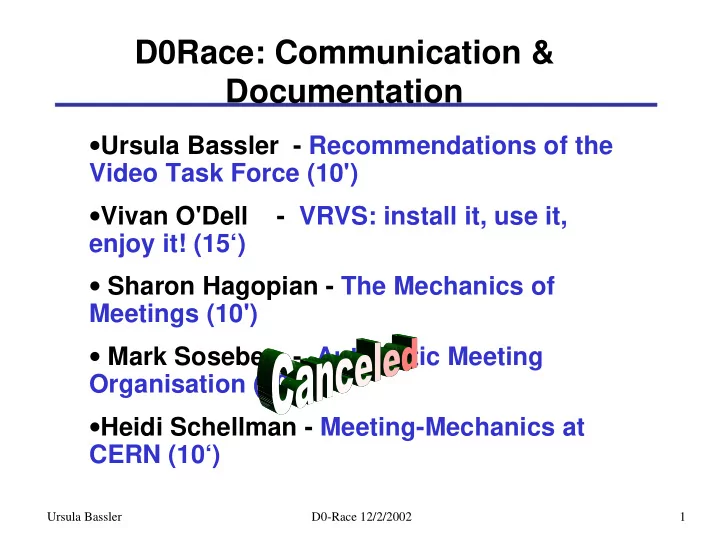
  • Ursula Bassler - Recommendations of the

Video Task Force (10')

  • Vivan O'Dell - VRVS: install it, use it,

enjoy it! (15‘)

  • Sharon Hagopian - The Mechanics of

Meetings (10')

  • Mark Sosebee - Automatic Meeting

Organisation (10’)

  • Heidi Schellman - Meeting-Mechanics at

CERN (10‘)

slide-2
SLIDE 2

Ursula Bassler 2 D0-Race 12/2/2002

Video Task Force

  • goal:
  • understand current problems with

videoconferencing at D0

  • survey of different systems (ISDN, IP, VRVS)
  • recommendations for improvement of

videoconferencing at D0

  • initiated end of November, finale report End of

January: http://www2.physics.umd.edu/~eno/junk/

  • members: Ursula Bassler, Sarah Eno, Ron

Lipton, Tom Marshall, Gordon Watts

slide-3
SLIDE 3

Ursula Bassler 3 D0-Race 12/2/2002

Recommendations

  • Meeting habits:
  • Post transparencies on the web prior

to the meeting!!!!

⇒ Achieving system for agendas/transparencies

  • General “Welcome” at the beginning of the meeting to

identify who is connected

  • Proper use of microphones: use headsets when

available, don’t put mikes close to Fans,

  • Font-size 22-24
  • Fixed focus camera setting, use of laser pointers
  • Off-side camera control? (personal question)
slide-4
SLIDE 4

Ursula Bassler 4 D0-Race 12/2/2002

Recommendations

  • Technical Aspects:
  • Test setup for simultaneous transmission of ISDN and

VRVS (IP-based) in the 9th circle

  • rooms should all be equipped with laptop projectors and

document cameras (f.ex. Toshiba for $4400)

  • replace obsolete equipment in the FarSide
  • buy only “quiet” transparencies projectors
  • headsets for speakers (or at least lapel mikes)
  • multiple mikes for the 9th circle
  • 3 scanners at D0 (for people handwriting

transparencies)

slide-5
SLIDE 5

Ursula Bassler 5 D0-Race 12/2/2002

Recommendations

  • Rooms:
  • remove AC from the windows in the FarSide

and 9th circle

  • stiffen floor under the transparency table
  • clean-up the room (cable routing, tables)
  • separate lighting in the screen area
  • extend Dog-house in Tata-Area
slide-6
SLIDE 6

Ursula Bassler 6 D0-Race 12/2/2002

Recommendations

  • Man-power:
  • FNAL-technician assigned to be responsible for

the video equipment

  • Short “training course” for convenors
  • permanent committee to survey video quality at

D0 and developments in the technical field

  • know how to contact Sheila Cisko and Tom

Marshall in case of problems

slide-7
SLIDE 7

Ursula Bassler 7 D0-Race 12/2/2002

New D0-Meeting overview

  • provided by

Florida State

  • “crude” way

to link web- pages possible

  • better:

interface with Mike Sosebee’s meeting scheduler

very nice short-term improvement!

slide-8
SLIDE 8

Ursula Bassler 8 D0-Race 12/2/2002

CERN Document Server

for more information see http://cds.cern.ch/

  • provides archiving

system, meeting scheduler and search facilities

slide-9
SLIDE 9

Ursula Bassler 9 D0-Race 12/2/2002

CERN Document Server

example: implementation by the LHCb Collaboration

http://lhcb.web.cern.ch/lhcb/

special goody: automatic translation of various formats (ppt->pdf->ps)!!!!

slide-10
SLIDE 10

Ursula Bassler 10 D0-Race 12/2/2002

Tasks

Videoconferencing: VRVS

⇒ install test facility to use VRVS in parallel with ISDN ⇒ possible to use VRVS only with the polycom systems: IP-addresses of the 9th circle: 131.225.224.118 the doghouse 131.225.224.154 ⇒ advertise information on Setup and how to use VRVS ⇒ get feed-back and put together recommendations on hardware for individual users (cameras, headsets, mikes…) ⇒has someone a good working setup for LINUX?

Documentation: ⇒ implement Mike Sosebee’s document loader ⇒ possiblity to get CERN documenting system?