CSSE463: Image Recognition Day 2 Roll call Announcements: - - PowerPoint PPT Presentation

csse463 image recognition day 2
SMART_READER_LITE
LIVE PREVIEW

CSSE463: Image Recognition Day 2 Roll call Announcements: - - PowerPoint PPT Presentation

CSSE463: Image Recognition Day 2 Roll call Announcements: Reinstall Matlab if you are having problems: Lab 1 has directions. Angel has drop box for Lab 1 Bonus points to first person to find errors in course materials!


slide-1
SLIDE 1

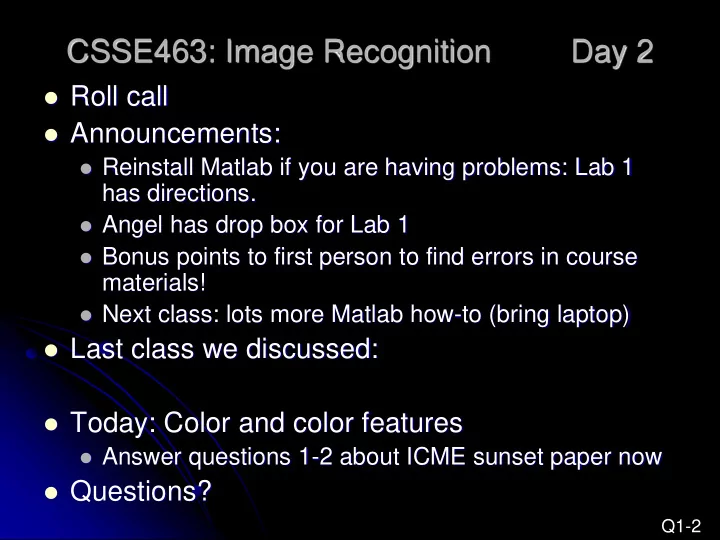
CSSE463: Image Recognition Day 2

 Roll call  Announcements:

 Reinstall Matlab if you are having problems: Lab 1

has directions.

 Angel has drop box for Lab 1  Bonus points to first person to find errors in course

materials!

 Next class: lots more Matlab how-to (bring laptop)

 Last class we discussed:  Today: Color and color features

 Answer questions 1-2 about ICME sunset paper now

 Questions?

Q1-2

slide-2
SLIDE 2

Pixels to Predicates

  • 1. Extract features

from images

  • 2. Use machine learning to

cluster and classify

Color Texture Shape Edges Motion Principal components Neural networks Support vector machines Gaussian models

               2756 . ... 1928 . 4561 . x

slide-3
SLIDE 3

Basics of Color Images

 A color image is made of

red, green, and blue bands.

 Additive color

 Colors formed by adding

primaries to black

 Comments from graphics?  RGB mimics retinal cones

in eye.

 RGB used in sensors and

displays

 Why “16M colors”?  Why 32 bit?

Source: Wikipedia

slide-4
SLIDE 4

Basics of Color Images

 Each band is a 2D matrix  Each R, G, or B value typically stored in a byte.

 Range of values?

 The 4th byte is typically left empty

 Allows for quicker indexing, because of alignment  Reserved for transparency (in graphics)

 How much storage is required for a 4

megapixel color image (uncompressed)?

Q3-4

slide-5
SLIDE 5

http://abstrusegoose.com/221

slide-6
SLIDE 6

We can extract different types of color features (statistics) from images

 1. Color histograms  2. Color moments  3. Color coherence vectors

Related considerations:

 Some color spaces “work better”  Spatial components can help

Q5

slide-7
SLIDE 7

Color histograms

 Gives distribution of

colors

 Sample to left is for

intensities only

 Pros

 Quantizes data, but still

keeps lots of info

 Cons

 How to compare two

images?

 Spatial info gone  Histogram intersection

(Swain and Ballard)

slide-8
SLIDE 8

Color moments

m1 = 116.3 m2 = 1152.9 m3 = -70078 m4 = 7.4 million

 Central moments are

statistics

 1st order = mean  2nd order = variance  3rd order = ____  4th order = ____  Some have used even

higher order moments, but less intuitive

 For color images, take

moments of each band

m1 = 132.4 m2 = 2008.2 m3 = 4226 m4 =12.6 million

Q6 skew kurtosis

 

 

n i d i d

x n m

1

1 

slide-9
SLIDE 9

HSV color space

 Hue-saturation-value (HSV)

cone

 also called HSI (intensity)  Intuitive

 H: more than “what color”: it’s

wavelength; position on the spectrum!

 S: how vibrant?  V: how light or dark

 “Distance” between colors

 Must handle wraparound of hue

angle correctly (0 = 2p)

 Matlab has method to convert

from rgb to hsv, can find formula

  • nline.

Source: Wikipedia Q7

slide-10
SLIDE 10

Other color spaces

 LST (Ohta)

 L = luminance: L = (R + G + B)/sqrt(3)  S and T are chroma bands.

 S: red vs. blue: S = (R – B) / sqrt(2)  T: green vs. magenta: T = (R – 2G + B) / sqrt(6)

 These 3 are the principal components of the RGB space (PCA

and eigenvectors later in course)

 Slightly less intuitive than HSV  No problem with wraparound  Y. I. Ohta, T. Kanade, and T. Sakai, Color information for region

segmentation, Computer Graphics and Image Processing, Vol. 13, pp. 222-241, 1980.

 Others

 YIQ (TV signals), QUV, Lab, LUV  http://www.scarse.org/docs/color_faq.html#graybw

Q8

slide-11
SLIDE 11

Spatial component of color

 Break image into parts

and describe each one

 Can describe each part

with moments or histograms

 Regular grid

 Pros?  Cons?

 Image regions

 Pros?  Cons?

Q9

slide-12
SLIDE 12

Additional reading

 Color gamuts

 http://en.wikipedia.org/wiki/Gamut

 Color coherence vectors

 Extension of color histograms within local

neighborhoods

 Used in:

 A. Vailaya, H-J Zhang, and A. Jain. On image classification: City images vs.

  • landscapes. Pattern Recognition 31:1921-1936, Dec 1998.

 Defined in:

 G Pass, R Zabih, and J Miller. Comparing images using color coherence

  • vectors. 4th ACM Conf. Multimedia, pp 65-73, Boston, 1996.

Q10