
SLIDE 1
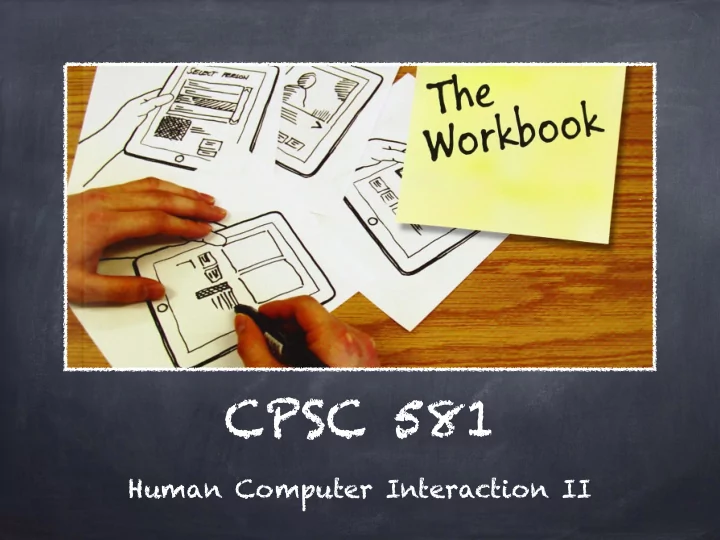
CPSC 581 Human Computer Interaction II Your Hosts Sonny Chan - MS - - PowerPoint PPT Presentation
CPSC 581 Human Computer Interaction II Your Hosts Sonny Chan - MS 634 - sonny.chan@ucalgary.ca David Ledo - MS 680 (iLab) - davidledo89@gmail.com Participation = 15% What s this board for? Sketchbook Who has one? Let s Get
David Ledo
A computer-implemented method, comprising: at a device with a touch screen display
screen display;
electronic document displayed on the touch screen display in a first direction; characterized by
electronic document beyond an edge of the electronic document while the object is still detected on or near the touch screen display, displaying an area beyond the edge of the document; and
near the touch screen display, translating the electronic document in a second direction until the area beyond the edge of the electronic document is no longer displayed.
Source: US Patent 7469381 B2
Source: US Patent 7469381 B2
Advanced HCI topics & applications
emphasis on developing design skills for highly interactive human-computer interfaces
Topics selected from
novel interaction techniques (multi-touch, sensors, tangibles) novel devices (smart phones, physical user interfaces)
creativity via applied exercises idea brainstorming via visual sketches sketch and prototype development implementation portfolio summaries critical analysis of interface designs
in-class practicum on exercises
“design team” classmates instructor teaching assistant “spontaneous” design exercises
TR 2:00 pm - meet in MS 680A F 10:00 am - meet in MS 156
Option #1 Project 0: 0% Project 1: 20% Project 2: 20% Project 3: 20% Option #2 Project 0: 6% Project 1: 18% Project 2: 18% Project 3: 18% Option #3 Project 0: 15% Project 1: 15% Project 2: 15% Project 3: 15%
Series of sketching exercises
replicate sketching method apply sketching method
Class participation
discussions and critiques (informal) presentations of your work
Exercises will be done “on demand”
Professional-looking visual summaries of designs Professional portfolio
illustrative of work archives of code and supporting documents summary of accomplishments
Final portfolio as a web site
(which I borrowed from Tony Tang)
Still on - Very conventional design; very little effort to innovate beyond what is well-known and well-understood. Hanging on my toes - Some novel ideas derived from thought and analysis, and presented through design. Off my foot - Very novel ideas, showing a lot of effort and thought was put into design. Across the room - Surprising, pleasing, evocative of feeling. Truly exciting in design, presentation and thought.
Course web site
http:/ /pages.cpsc.ucalgary.ca/~sonny.chan/cpsc581
Piazza page
http:/ /piazza.com/ucalgary.ca/fall2015/cpsc581
Your supplies
Sketching User Experiences: The Workbook (2012) Sketchbook, prototyping supplies, portfolio materials
carry one constantly collect, generate, and develop a multitude
see what is out there your media choice affects what you create
they matter - being a “dweeb” is no excuse
challenge all designs you see present yours - don’ t be shy!
collect your works and be proud