Before we begin Next Monday: Exam 1 Threads Thursday: Review - - PDF document

before we begin
SMART_READER_LITE
LIVE PREVIEW

Before we begin Next Monday: Exam 1 Threads Thursday: Review - - PDF document

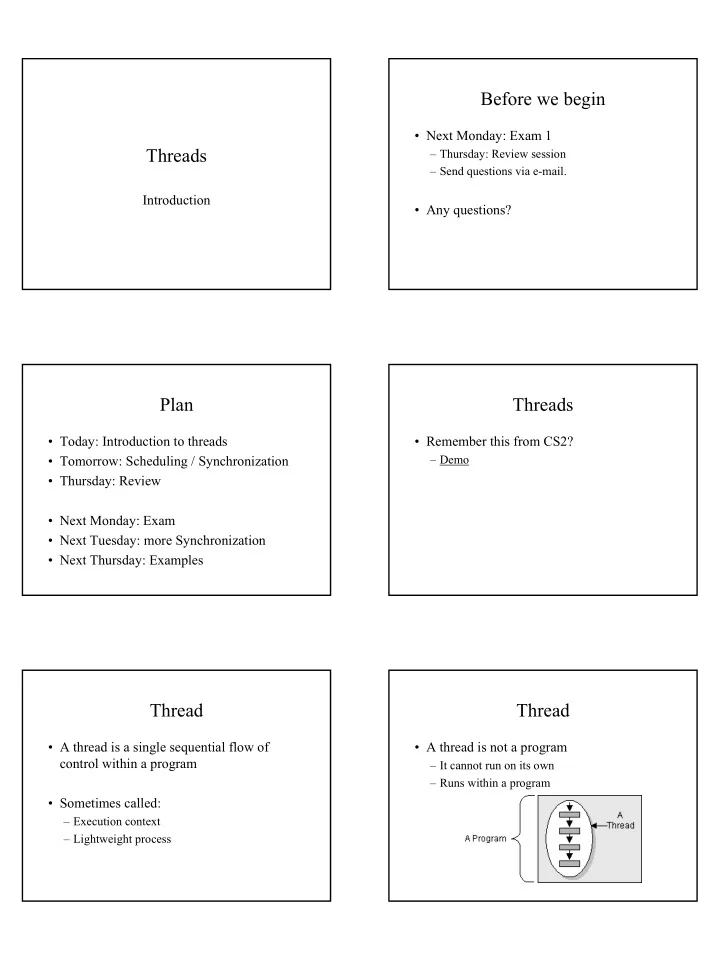
Before we begin Next Monday: Exam 1 Threads Thursday: Review session Send questions via e-mail. Introduction Any questions? Plan Threads Today: Introduction to threads Remember this from CS2? Tomorrow:


slide-1
SLIDE 1

Threads

Introduction

Before we begin

  • Next Monday: Exam 1

– Thursday: Review session – Send questions via e-mail.

  • Any questions?

Plan

  • Today: Introduction to threads
  • Tomorrow: Scheduling / Synchronization
  • Thursday: Review
  • Next Monday: Exam
  • Next Tuesday: more Synchronization
  • Next Thursday: Examples

Threads

  • Remember this from CS2?

– Demo

Thread

  • A thread is a single sequential flow of

control within a program

  • Sometimes called:

– Execution context – Lightweight process

Thread

  • A thread is not a program

– It cannot run on its own – Runs within a program

slide-2
SLIDE 2

Thread

  • Multiple threads can be running at the same

time within a single program

Java and Threads

  • When a Java Virtual Machine starts up,

there is usually a single thread (which typically calls the method named main of some designated class).

  • Other threads are created behind the scenes

(e.g. GUI)

Understanding Threads

  • You must be able to answer the following

questions

– What code does a thread execute? – What states can a thread be in? – How does a thread change its state? – How does synchronization work?

Thread Objects

  • As is everything else, threads in Java are

represented as objects.

  • The code that a thread executes is contained

in its run() method.

– There is nothing special about run, anyone can call it.

  • To make a thread eligible for running you

call its start() method

Example

public class CounterThread extends Thread { public void run() { for ( int i=0; i<10; i++) System.out.println(“Count: “ + i); } public static void main(String args[]) { CounterThread ct = new CounterThread(); ct.start(); } }

Interface Runnable

  • At times, it may be inconvenient to use

inheritance in creating a Thread

– Example: Clock Applet

  • Recall, Java does not support multiple

inheritance

– But it does support interfaces

slide-3
SLIDE 3

Interface Runnable

  • Classes that implement Runnable can

also be run as separate threads

  • Runnable classes have a run() method
  • In this case you create a thread specifying

the Runnable object as the constructor argument

Example

public class DownCounter implements Runnable { public void run() { for (int i=10; i>0; i--) System.out.println(“Down: “+ i); } public static void main(String args[]) { DownCounter ct = new DownCounter(); Thread t = new Thread(ct); t.start(); } }

Life of a thread

  • A thread will be considered “live” as long

as its run method has not completed

  • Note that calling start() may not result

in an immediate call to run().

  • Once a thread’s run() has completed, it is

considered “dead”.

  • You cannot restart a dead thread, but you

can access its state and behavior.

isAlive()

  • The method isAlive() determines if a

thread is considered to be alive

– A thread is alive if it has been started and has not yet died.

  • This method can be used to determine if a

thread has actually been started and has not yet terminated

Daemons

  • The Greek mythology definition:

– Demon, n, A spirit, or immaterial being, holding a middle place between man and dieties

  • The OS definition:

– A program that is not invoked explicitly, but lies dormant waiting for some condition to

  • ccur

– Rationalized as acronym for: Disk And Execution MONitor

Daemon Threads

  • Daemon threads never die.

– The run() method will never return.

  • Can set a Thread to be a daemon using the

Thread’s setDaemon() method

slide-4
SLIDE 4

When Execution Ends

  • The Java Virtual Machine continues to execute

threads until either of the following occurs:

– The exit method of class Runtime has been called – All threads that are not daemon threads have died, either by returning from the call to the run() or by throwing an exception that propagates beyond run().

  • Questions?

Multiple Threads

  • The real challenge / advantage of threads is

the ability to run multiple threads simutaneously.

Many

public class Many extends Thread { private int retry; private String info; public Many (int retry, String info) { this.retry = retry; this.info = info; } public void run () { for (int n = 0; n < retry; ++ n) work(); quit(); } protected void work () { System.out.print(info); } protected void quit () { System.out.print('\n'); } public static void main (String args []) { if (args != null) for (int n = 0; n < args.length; ++n) new Many(args.length, args[n]).start(); }}

Many

  • The use of multiple threads makes the

programs written non-deterministic

– The order in which the threads will do their work cannot be assumed.

Many

java Many one two three

  • nethreetwo
  • r

twothreeone

Java Threads

  • Questions so far?
slide-5
SLIDE 5

Threads scheduling

  • Although the JVM can conceptually run

multiple threads simultaneously

– Most machines have only 1 processor – The JVM must timeshare – This process is performed by the JVM scheduler.

Thread Scheduling

  • Threads are scheduled like processes
  • Thread states

– Running – Waiting, Sleeping, Suspended, Blocked – Ready – Dead

  • When you invoke start() the Thread is marked

ready and placed in the thread queue

Thread States

Running Ready Waiting

The start() method places a thread in the ready state The scheduler selects a thread and places it in the running state A thread that is waiting for I/O, was suspended, is sleeping, blocked, or otherwise is unable to do any more work is placed in the waiting state

Thread schedulers

  • Types

– Non-preemptive – Once a thread has the processor (Running), it keeps it until it is done – Pre-emptive – Scheduler may interrupt the work of a thread, placing it back in the Ready state.

  • Most Java implementations use preemptive

scheduling.

– the type of scheduler will depend on the JVM that you use.

Thread Priorities

  • Threads can have priorities from 1 to 10 (10 is the

highest)

  • The default priority is 5

– The constants Thread.MAX_PRIORITY, Thread.MIN_PRIORITY, and Thread.NORM_PRORITY give the actual values

  • Priorities can be changed via setPriority()

(there is also a getPriority())

Thread Priorities

  • Higher priority threads should get first dibs
  • n the processor
  • Higher priority thread can kick a lower

priority thread off the processor.

  • Starvation (indefinite blocking)

– Lower priority thread may wait indefinitely for the processor.

slide-6
SLIDE 6

Thread Priorities

  • In Java, priorities are a hint to the scheduler and

not a mandate.

  • From the Java spec:

When there is a competition for processing resources, threads with higher priority are generally executed in preference to threads with lower priority. Such preference is not, however, a guarantee that the higher priority thread will always be running Take home message: – Never assume that the scheduler will execute threads in priority order.

Timing

  • In general, you should never assume any
  • rdering of thread execution.
  • As we’ll see, proper timing in

multithreading programming is of utmost importance…

  • Questions?

Summary

  • Threads

– What they are – The Thread object

  • Thread vs. Runnable

– Life of a Thread – Thread States / Scheduling – Priorities

Next time

  • Thread methods dealing with scheduling
  • More thread examples.
  • Questions?