4/22/2009 Virtualization Memory virtualization Process feels like - - PDF document

4 22 2009
SMART_READER_LITE
LIVE PREVIEW

4/22/2009 Virtualization Memory virtualization Process feels like - - PDF document

4/22/2009 Virtualization Memory virtualization Process feels like it has its own address space Created by MMU, configured by OS Distributed Systems Storage virtualization Logical view of disks connected to a machine


slide-1
SLIDE 1

4/22/2009 1

Virtualization

Paul Krzyzanowski pxk@cs.rutgers.edu

Distributed Systems

Except as otherwise noted, the content of this presentation is licensed under the Creative Commons Attribution 2.5 License.

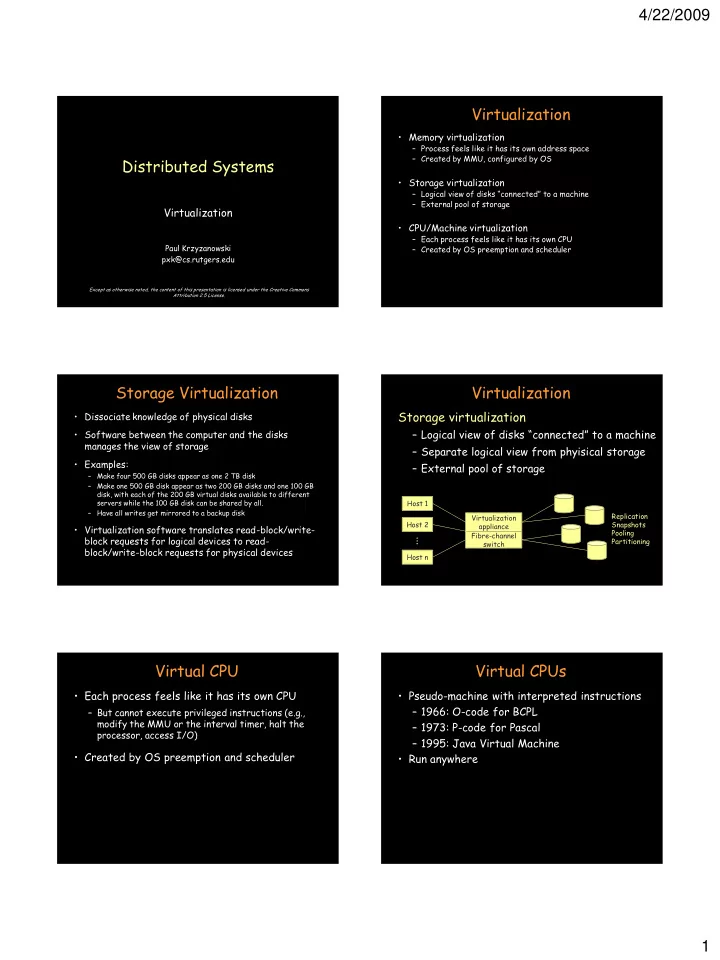
Virtualization

  • Memory virtualization

– Process feels like it has its own address space – Created by MMU, configured by OS

  • Storage virtualization

– Logical view of disks “connected” to a machine – External pool of storage

  • CPU/Machine virtualization

– Each process feels like it has its own CPU – Created by OS preemption and scheduler

Storage Virtualization

  • Dissociate knowledge of physical disks
  • Software between the computer and the disks

manages the view of storage

  • Examples:

– Make four 500 GB disks appear as one 2 TB disk – Make one 500 GB disk appear as two 200 GB disks and one 100 GB disk, with each of the 200 GB virtual disks available to different servers while the 100 GB disk can be shared by all. – Have all writes get mirrored to a backup disk

  • Virtualization software translates read-block/write-

block requests for logical devices to read- block/write-block requests for physical devices

Virtualization

Storage virtualization

– Logical view of disks “connected” to a machine – Separate logical view from phyisical storage – External pool of storage

Virtualization appliance Fibre-channel switch Host 1 Host 2 Host n

...

Replication Snapshots Pooling Partitioning

Virtual CPU

  • Each process feels like it has its own CPU

– But cannot execute privileged instructions (e.g., modify the MMU or the interval timer, halt the processor, access I/O)

  • Created by OS preemption and scheduler

Virtual CPUs

  • Pseudo-machine with interpreted instructions

– 1966: O-code for BCPL – 1973: P-code for Pascal – 1995: Java Virtual Machine

  • Run anywhere
slide-2
SLIDE 2

4/22/2009 2 Virtual Machines

  • Machine virtualization

– Partition a physical computer to act like several real machines – Migrate an entire OS + applications from

  • ne machine to another
  • 1972: IBM System 370

Machine Virtualization

  • Privileged vs. unprivileged instructions
  • Regular applications use unprivileged

instructions – Easy to virtualize

  • If regular applications execute privileged

instructions, they trap – VM catches the trap and emulates the instruction

Intel Ugliness

  • Intel x86 arch < Core 2 Duo doesn’t support

trapping privileged instructions

  • Two approaches

– Binary translation (BT)

  • Scan instruction stream and replace privileged

instructions with something the VM can intercept. (VMware approach)

– Paravirtualization

  • Don’t use non-virtualizable instructions (Xen approach)

Virtual Machine Monitor (VMM)

  • Program in charge of virtualization

– Aka Hypervisor – Arbitrates access to physical resources – Presents a set of virtual device interfaces to each host

  • Guest OS runs until:

– Privileged instruction traps – System interrupts – Exceptions (page faults) – Explicit call: VMCALL (intel) or VMMCALL (AMD)

Architectural Support

  • Intel Virtual Technology (Intel Core 2 Duo)
  • AMD Opteron
  • Certain privileged instructions are

intercepted as VM exits to the VMM

  • Exceptions, faults, and external interrupts

are intercepted as VM exits

  • Virtualized exceptions/faults are injected as

VM entries

Popular VM Platforms

  • Xen

– Runs under an OS and provides virtual containers for running

  • ther operating systems. Runs a subset of x86. Routes all

hardware accesses to the host OS.

  • Altris Software Virtualization Services

– Windows registry & directory tweaking – Allows multiple instances of applications to be installed

  • Microsoft Virtual Server
  • Parallels
  • VMWare
slide-3
SLIDE 3

4/22/2009 3 Security Threats

  • Hypervisor-based rootkits
  • A system with no virtualization software

installed but with hardware-assisted virtualization can have a hypervisor-based rootkit installed.

  • Rootkit runs at a higher privilege level than

the OS. It’s possible to write it in a way that the kernel will have a limited ability to detect it.

Muiltiprocessor Virutalization

  • 3Leaf Systems

– Custom ASIC to allow networked processors to act like one SMP system – Cache-coherent links between servers

  • A connection between servers keeps memory

coherent and makes a remote processor look like it’s on the same system bus

– Planned for 2010

The end