
SLIDE 1
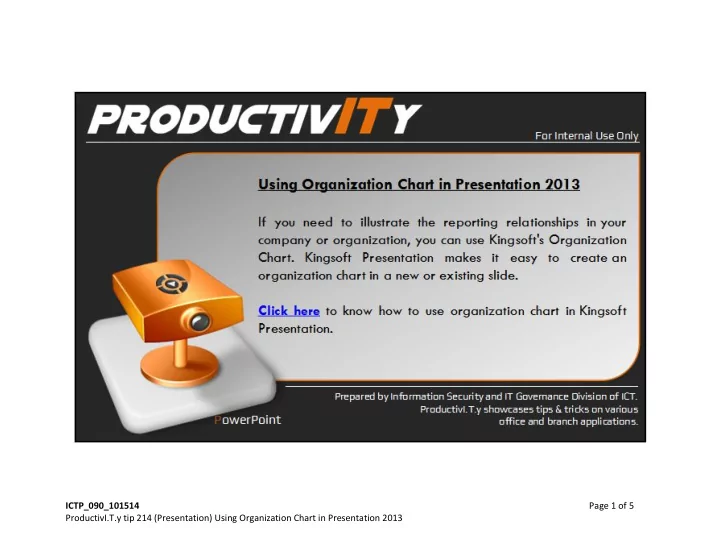
ICTP_090_101514 Page 1 of 5 ProductivI.T.y tip 214 (Presentation) - - PowerPoint PPT Presentation
ICTP_090_101514 Page 1 of 5 ProductivI.T.y tip 214 (Presentation) Using Organization Chart in Presentation 2013 Using Organization Chart in Presentation 2013 1. In Kingsoft presentation, create a new slide for the organizaion chart. 2. On Insert